Jupiter ERP

Documents

Postal mail

Invoices and quotes as letters, without a printer or a trip to the post office.

From the send dialog you dispatch commercial documents as letters. You choose delivery product, simplex or duplex, and color or grayscale. The address window is always on the left. Jupiter ERP shows the price before sending; after confirmation a print-and-mail provider handles printing and posting. Every shipment appears on the document’s Shipping tab, including repeats.

Note: From Basic plan, usage-based

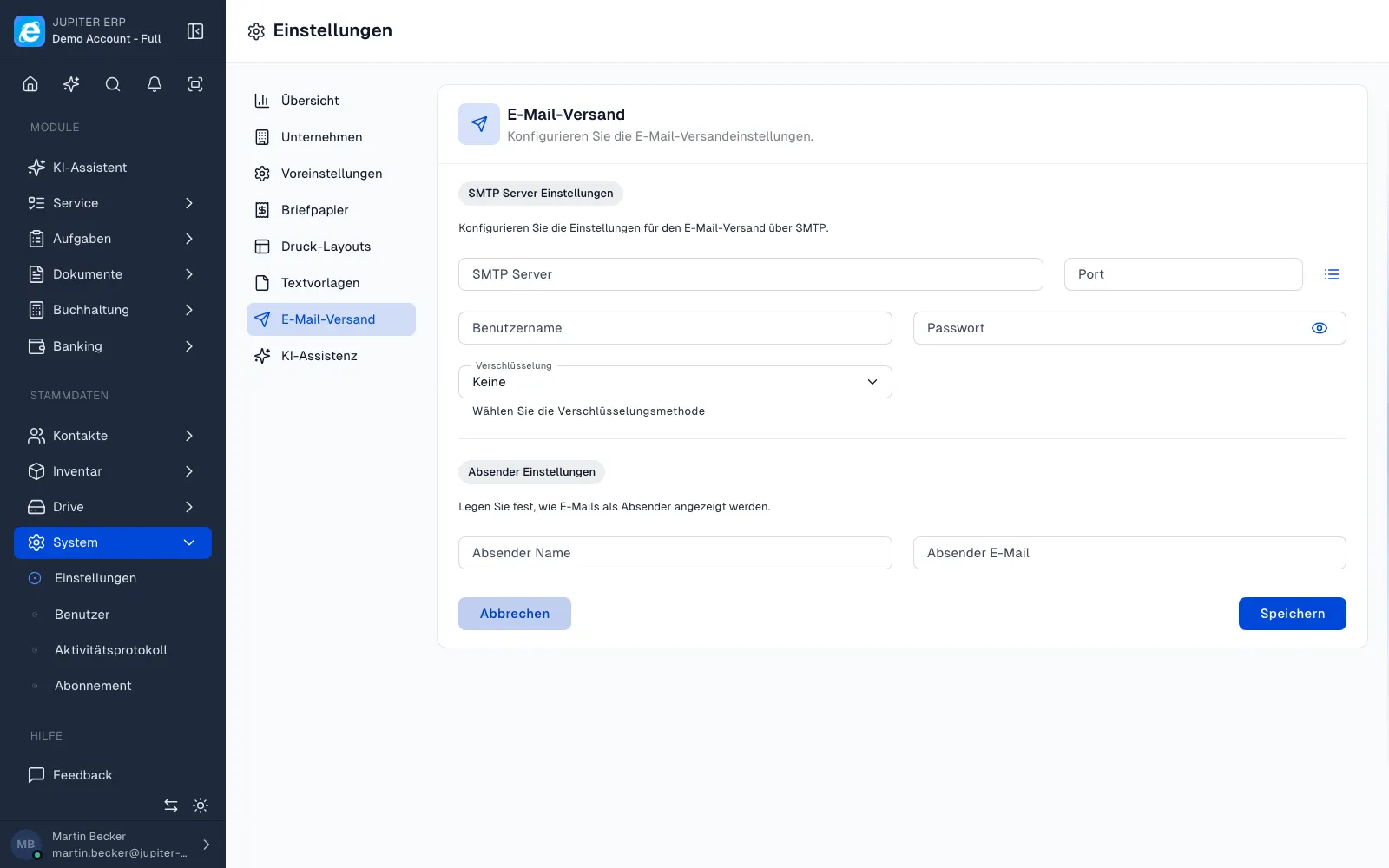
Dokumentversand per E-Mail im Jupiter ERP Panel

At a glance

These are the points this feature covers day to day.

  • Price before sending
  • Tracking on the document
  • From Basic plan, usage-based

In the product

The workflow in Jupiter ERP, on this page.

In depth

Background, typical workflows, and concrete panel capabilities, more detail than the summary above.

From the document to the post

In the send dialog you choose post instead of email. You set delivery product and print options. Jupiter ERP obtains the price from the print provider and shows you the customer price: the letter only goes out after you confirm.

You can send the same document more than once; every shipment stays on the shipping list, including status and tracking where the provider supplies it.

Dokumentversand per E-Mail im Jupiter ERP Panel

Usage-based, no letter quota

Postal mail is available on the paid plans Basic, Business, and Enterprise. Costs per letter appear as on-demand usage on the next invoice, not as included volume in the plan price.

Free and the trial do not include postal mail. Layout and letterhead are controlled through the same print layouts as PDF output.

What you do with letter dispatch

In the send dialog you choose post instead of email. A print-and-post provider handles printing and handover after you confirm the price.

  • Send invoices, quotes, order confirmations, delivery notes, credit notes, dunning notices, and custom types as letters
  • Choose the product: standard, express, or registered
  • Single- or double-sided, colour or black and white, address window fixed on the left
  • See the customer price and confirm before anything is sent
  • Create several dispatches for the same document
  • Check status and tracking on the Dispatch tab when the provider supplies it
  • Use the same letterhead and layout as for PDF printing

Billing and plans

Letter dispatch is available on Basic, Business, and Enterprise. Free and the trial do not include it. There is no letter allowance inside the plan price.

Each confirmed letter is on-demand usage on the next invoice. Without usage-based billing enabled on the subscription, a letter cannot be sent.

How it works in the panel

The main building blocks at a glance, complemented by the longer description above.

Send from the document

In the send dialog you choose post instead of email. Options for standard, fast, registered mail, and print (simplex/duplex, color or grayscale). The address window is always on the left.

Confirm the price

You see the customer price before dispatch. The letter only goes out after confirmation. Costs are billed as on-demand usage on the next invoice. There is no included letter quota in the plan price.

Track shipments

All shipments for a document are listed on the Shipping tab, including status and tracking where the provider supplies it.

Common questions

Jupiter ERP

Your first invoice in minutes

Start for free: write invoices on the Free plan. Choose plan, term, and add-ons in the app afterwards. Custom adaptations or API integration? Get in touch.

  • 14-day trial
  • No credit card
  • Hosted in Germany
  • GDPR-compliant
Postal mail · Jupiter ERP