Jupiter ERP

Contacts & customer portal

Master data, groups, and a secure customer portal — one foundation for all modules.

Companies, people, and groups are the shared address base for documents, service, and banking. The customer portal gives selected contacts their own login: they fetch shared documents and service info themselves — tenant-safe, without full access to your ERP.

  • Central master data for all modules
  • Customer portal from Trial upward
  • Enable document & service areas
  • Analytics per contact
  • Flexible contact fields and groups
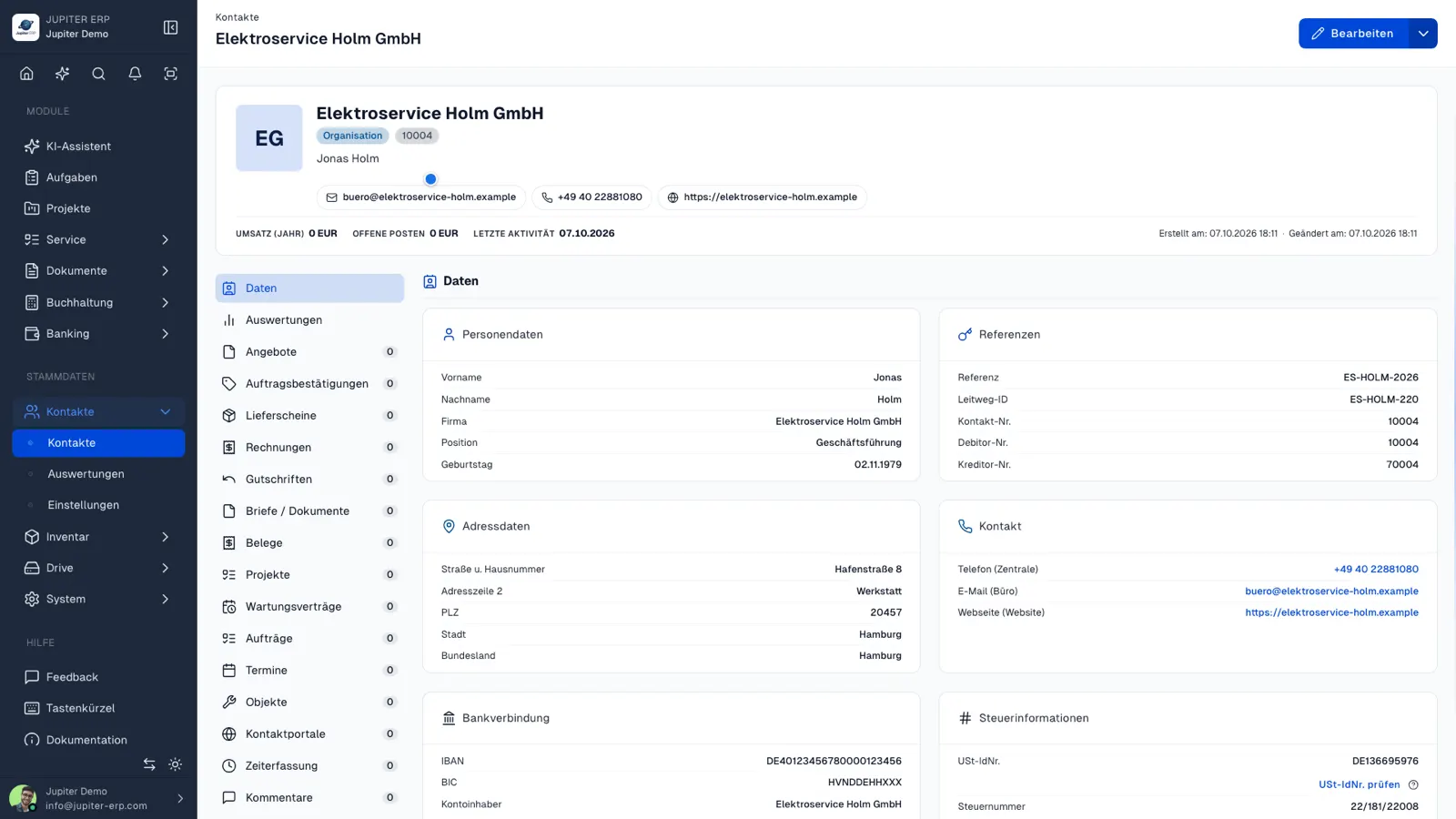
Kontaktverwaltung im Jupiter Panel
Jupiter Panel

In depth

What the module means in practice — beyond the feature list, with concrete day-to-day value in the panel.

Master data as shared foundation

Contacts in Jupiter are not “just an address book” but the anchor for documents, service, banking, and portal. Link companies, people, and groups to open items, jobs, and activity — sales and support see the same history without switching systems.

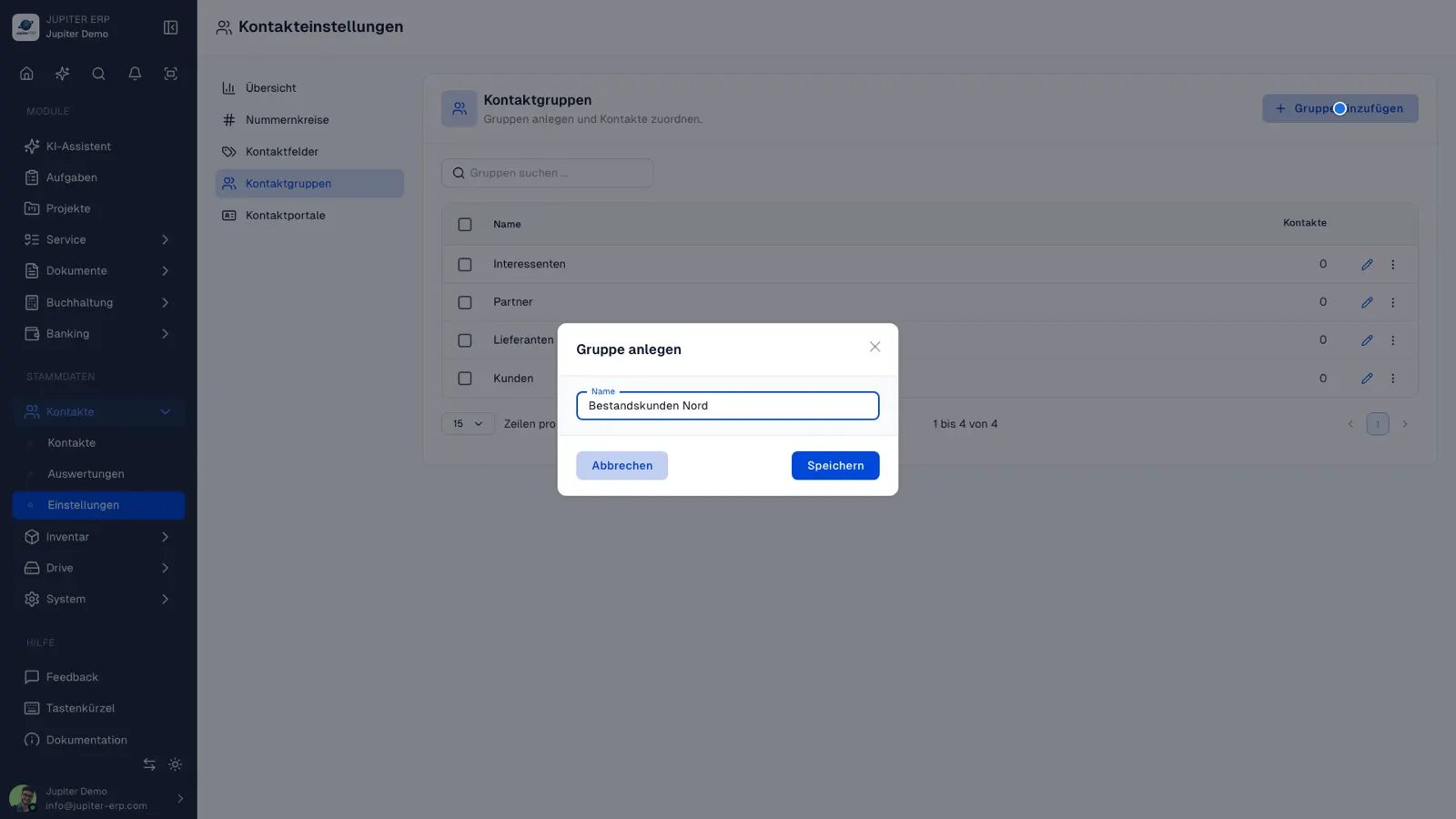
Configure extra fields and groups in the panel: industry-specific attributes, segmentation for portals or analytics — without development.

Customer portal — self-service instead of email ping-pong

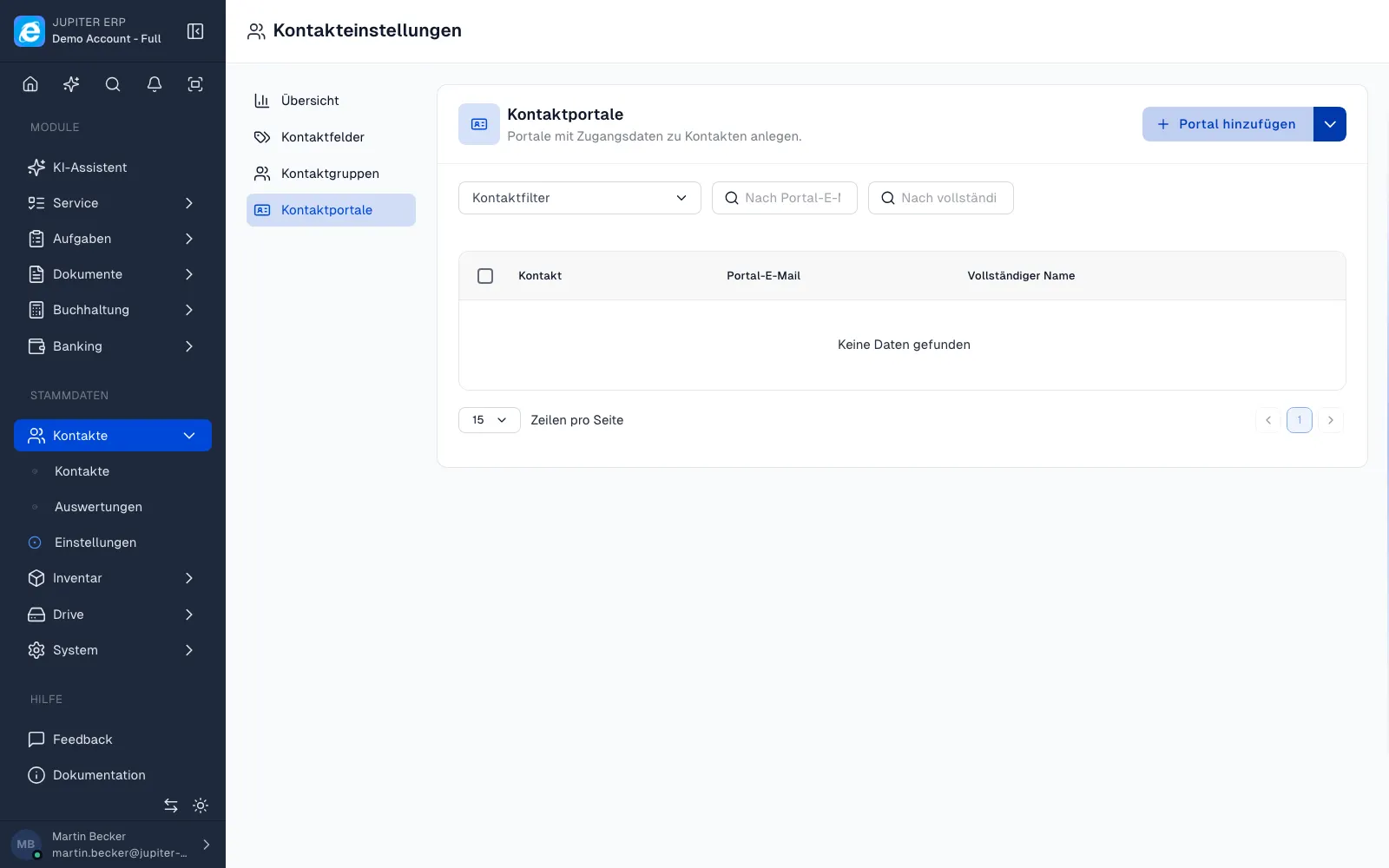
Per contact, set up access under Contacts → Settings → Portals. The customer signs in to the account portal and sees only the areas you enabled — invoices, quotes, service orders, reports, maintenance contracts, appointments, or service objects.

Each area can be toggled per portal. Accounting contacts get documents only, service sites the full service area — no separate portal project or custom development.

From Trial at least one portal is included (Basic 1, Business 2, Enterprise 5). The Free plan does not include a customer portal; additional logins are available as an add-on.

Analytics and history

Contact analytics show revenue, open items, and activity per customer — useful for sales and account management from data you already have. Documents, service visits, and comments stay on the contact, not in scattered folders.

Features in Contacts

What you can do in this module — no fluff. Details for individual panel features are under Features.

  • Contact master

    Addresses, communication data, and links to documents, orders, and service — on one record.

  • Groups & custom fields

    Segment customers and add industry-specific fields — configured in the panel, no development.

  • Customer portal

    One portal login per contact. Enable: invoices, quotes, delivery notes, service orders, reports, contracts, and objects — customers download PDFs themselves, you save email back-and-forth.

  • History on the contact

    Documents, service visits, and activities per contact — for sales and support without switching systems.

  • Contact analytics

    Revenue, open items, and activity per contact — spot top customers and dormant relationships straight from existing data.

Typical use cases

How teams use Contacts day to day.

B2B with long-term customer relationships
Customers should fetch invoices and reports themselves
Service businesses with recurring visits and maintenance contracts
Sales and service with a shared customer view
Jupiter ERP

Ready for Jupiter ERP?

Start for free — choose plan, term, and add-ons in the app afterwards. Custom adaptations or API integration? Get in touch.

Contacts & customer portal · Jupiter ERP