Jupiter ERP

Service & projects

Plan jobs, capture reports, and link to invoices and contacts.

Service orders, appointments in the team planner, and digital reports link to contacts and projects. Material and labor can flow into documents later — field and office share the same data.

  • Reports in the browser
  • Day and team planning for jobs
  • Linked to contacts and documents
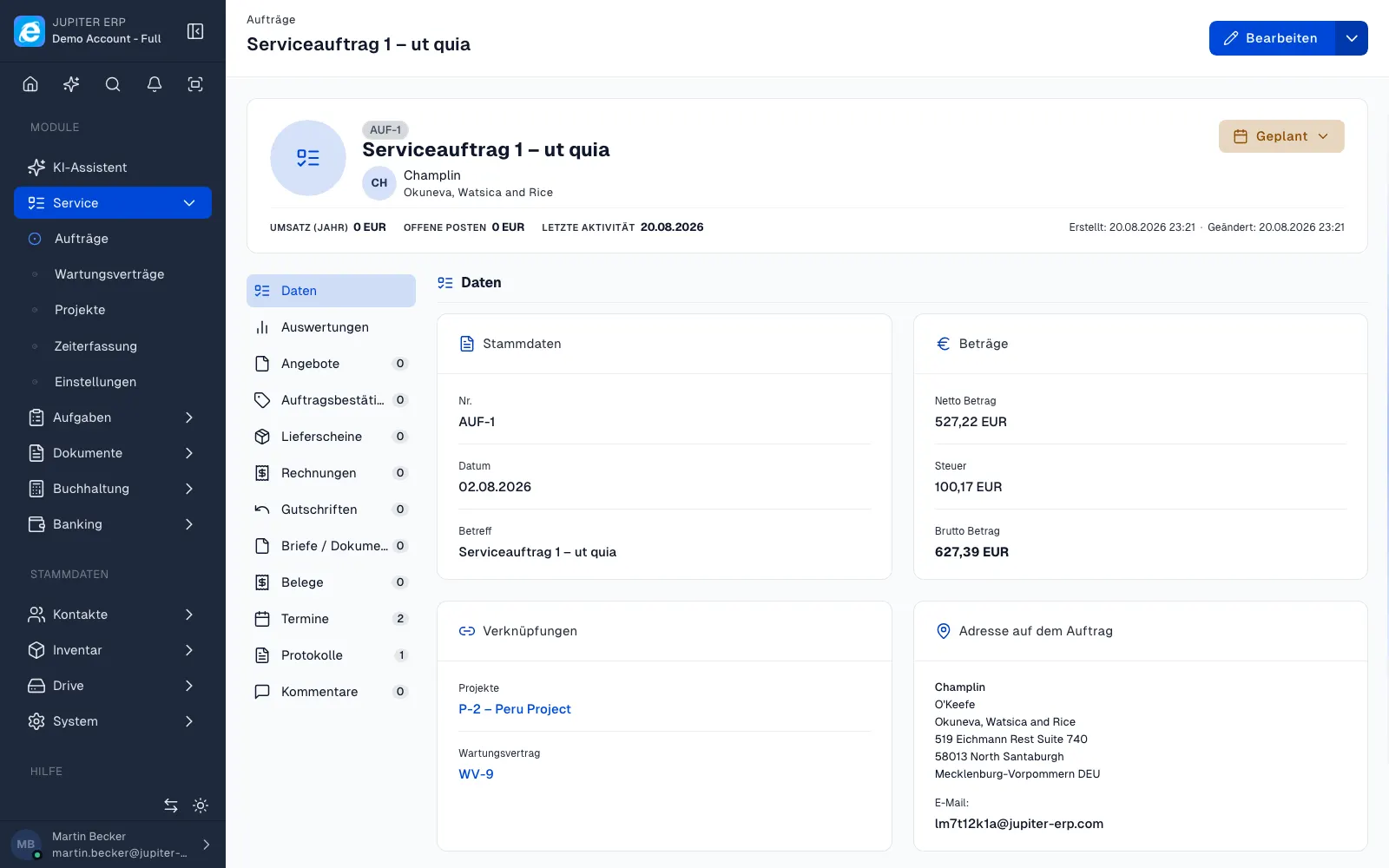
Serviceauftrag-Detailansicht im Jupiter Panel
Jupiter Panel

In depth

What the module means in practice — beyond the feature list, with concrete day-to-day value in the panel.

From field visit to invoice

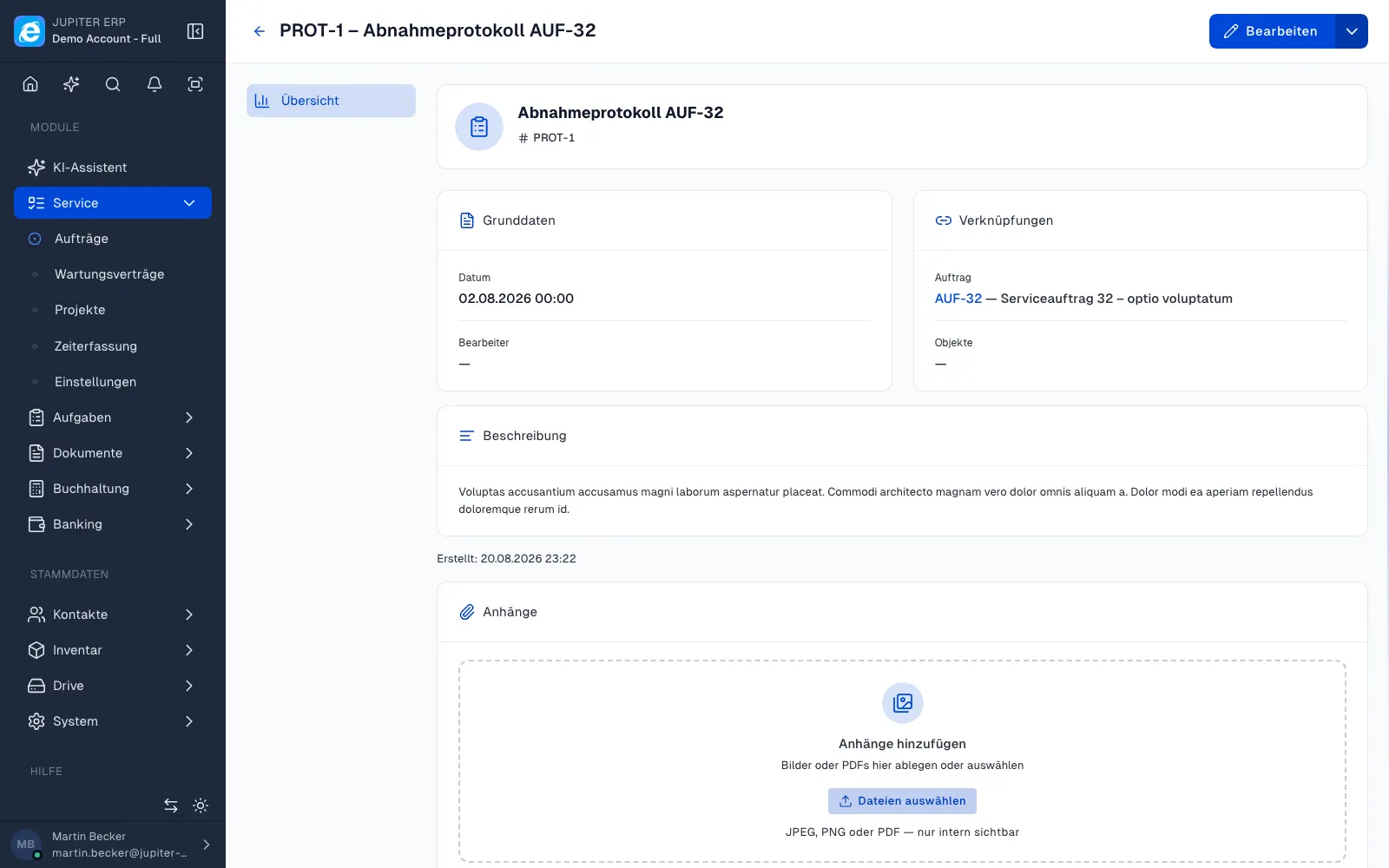
Technical service and project work rarely happen only in the back office: appointments, reports, and material use happen on site; invoices in the office. Jupiter links service orders to contacts, service objects, and optionally projects — reports with signature and photos are captured in the browser without a separate app.

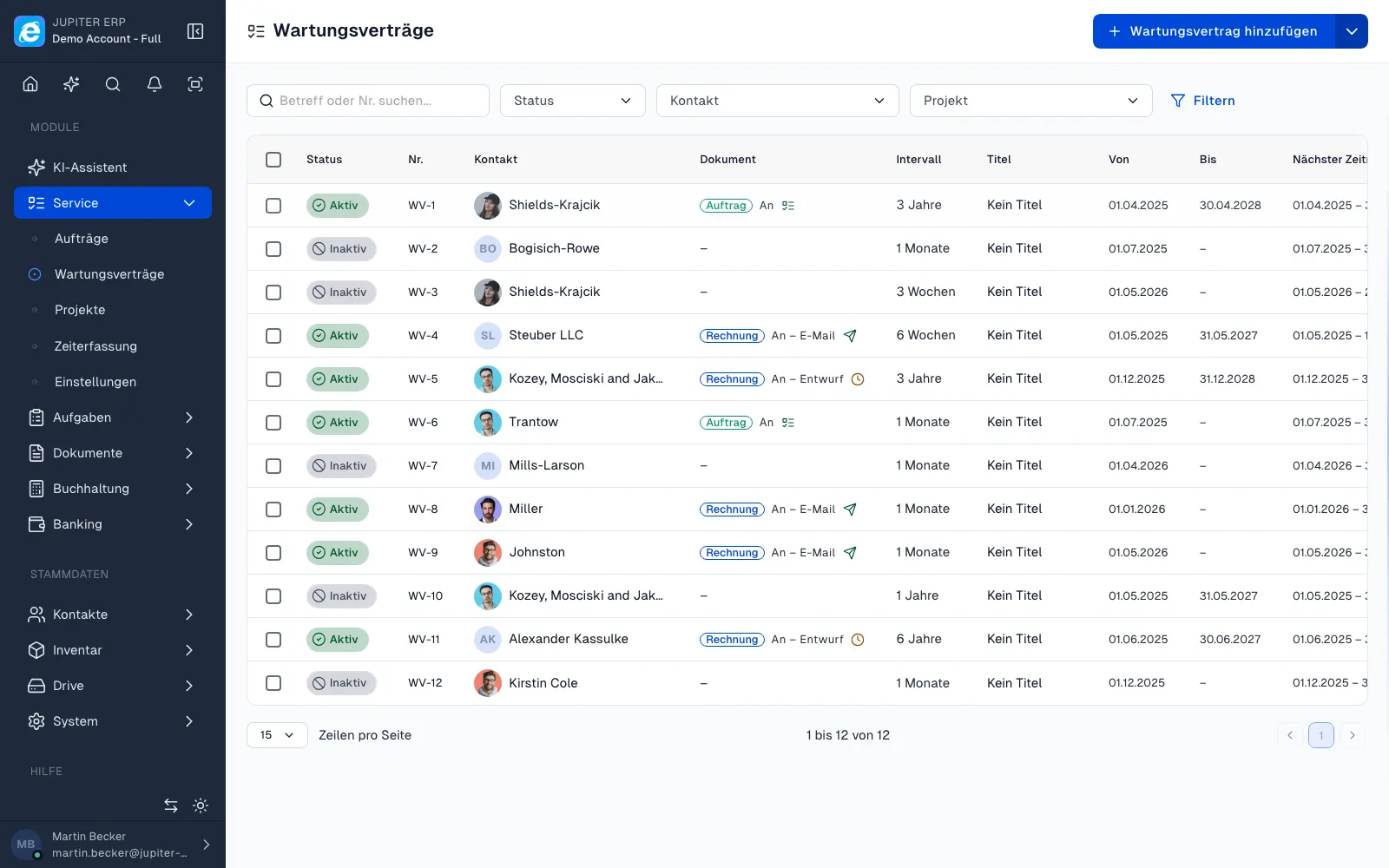
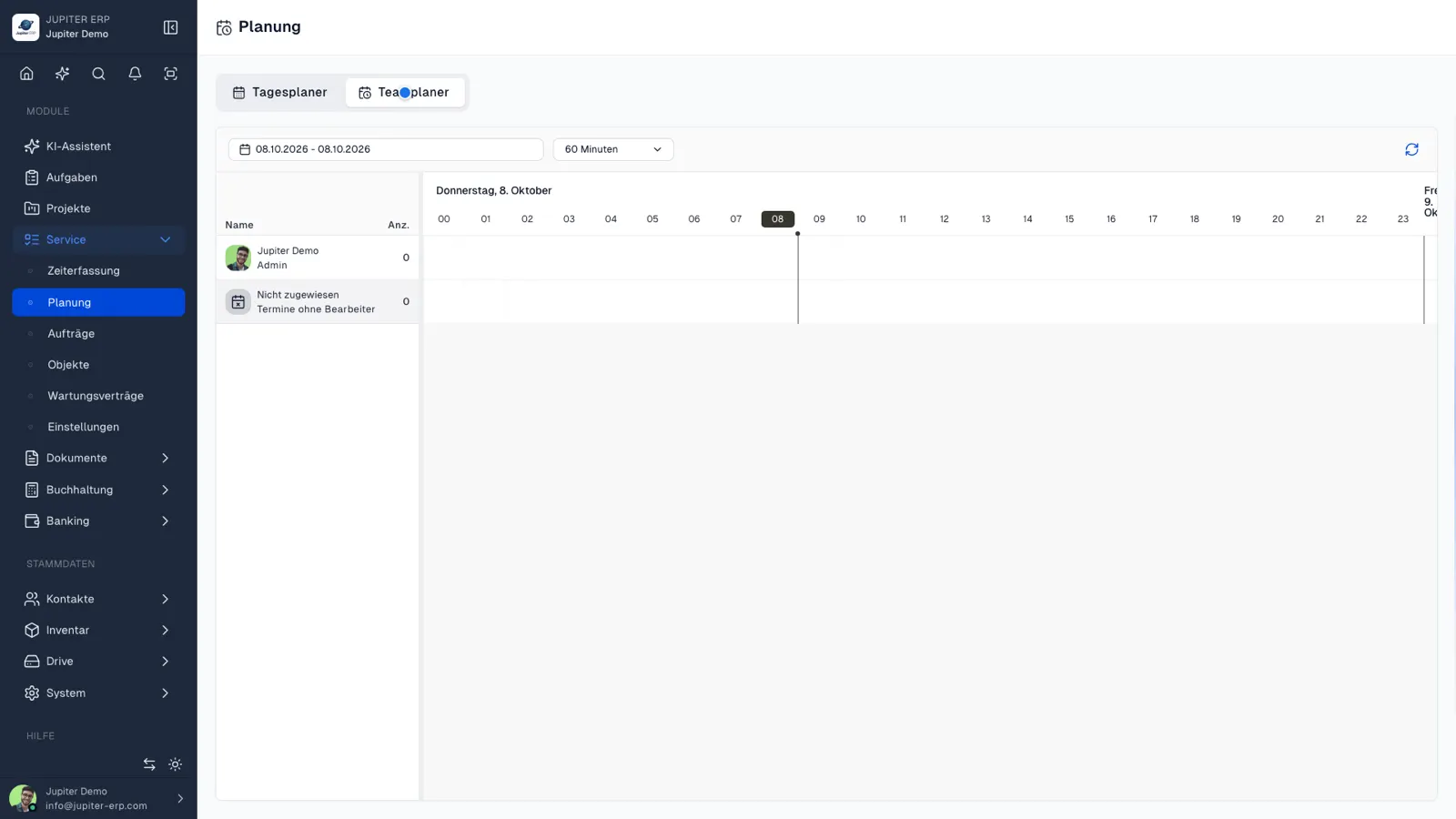
Planned jobs are assigned in the team planner via drag and drop; the “My day” view bundles appointments per employee. Maintenance contracts with intervals surface upcoming jobs before the customer calls.
Configurable without development

Adjust status, checklists, and extra fields in the panel to match your process — industry-specific fields for reports or orders without custom code. Material from inventory flows into reports and later into documents when you bill.

Service and the documents module share the same data foundation: one contact, one order, one report — and from there an invoice, without maintaining data in three systems.

Features in Service

What you can do in this module — no fluff. Details for individual panel features are under Features.

  • Service orders & appointments

    Orders with status, owners, and appointments. The team planner shows utilization and open jobs.

  • Service reports

    Reports with text, signature, and attachments — in the browser, no separate app. Stored on the order and contact.

  • Projects & tasks

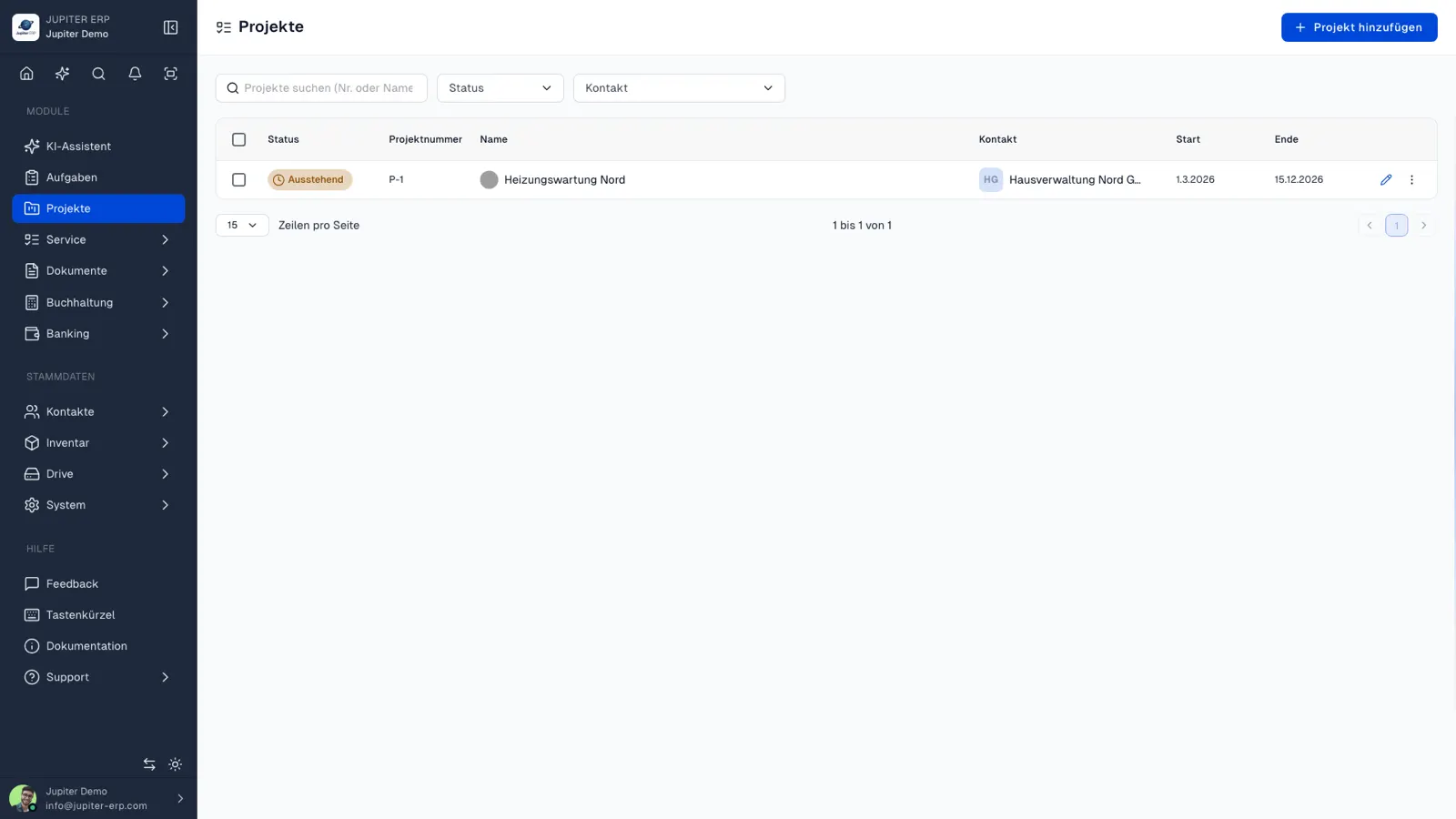
    Projects with tasks and milestones for longer customer work — alongside day-to-day service.

  • Service objects

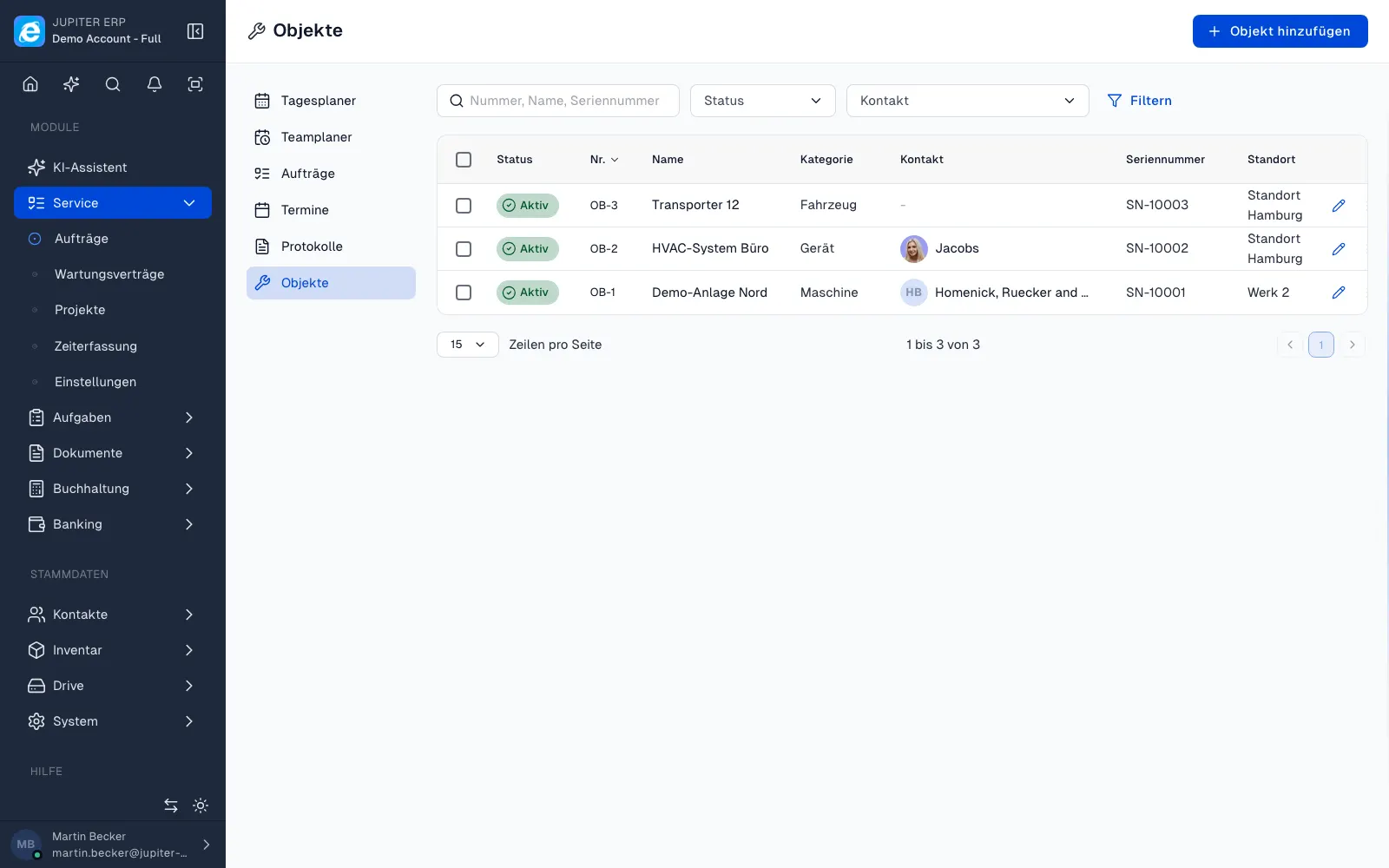
    Assets, equipment, or sites as objects with history of all visits and maintenance — ideal for recurring service.

  • Service contracts

    Maintenance contracts and SLAs with due dates so upcoming jobs are visible before the customer calls.

  • Custom service configuration

    Status, checklists, and custom fields for your workflow — configurable in the panel, no custom code.

  • Day & team planning

    The team planner assigns jobs to technicians by drag & drop; the “My day” view bundles upcoming appointments and orders per employee.

  • Time tracking

    Coming soon

    Track working time on tasks, projects, and jobs — a basis for billing and reporting.

Typical use cases

How teams use Service day to day.

Technical service and on-site maintenance
Facility with recurring visits
Agencies with project and task structure
Jupiter ERP

Ready for Jupiter ERP?

Start for free — choose plan, term, and add-ons in the app afterwards. Custom adaptations or API integration? Get in touch.

Service & projects · Jupiter ERP