Jupiter ERP

Documents

Letterhead & print layouts

Brand consistency on every PDF.

Configure backgrounds and layouts per document type: preview before sending.

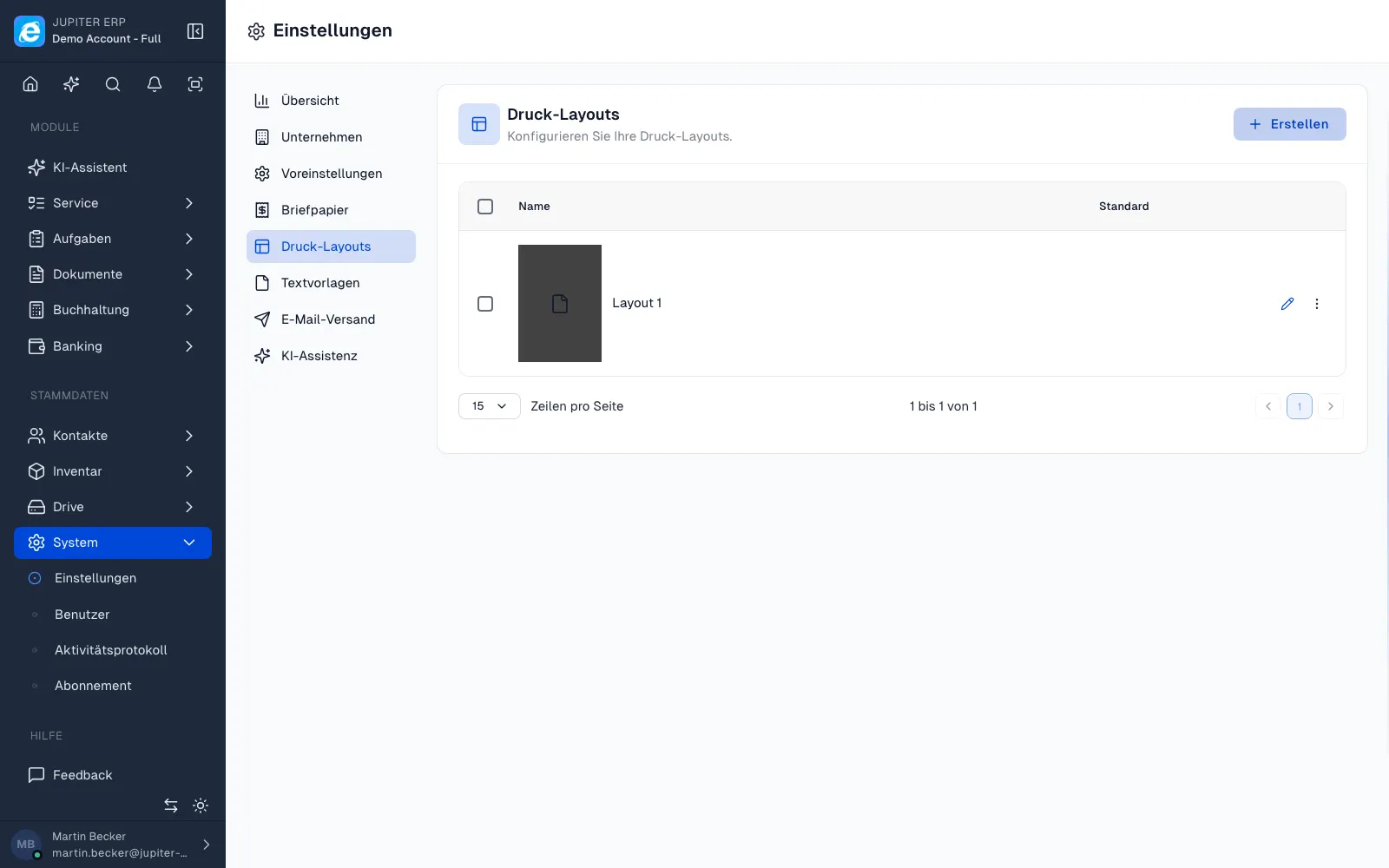
Drucklayouts und Briefpapier im Jupiter ERP Panel

At a glance

These are the points this feature covers day to day.

  • Letterhead upload
  • Layout per document type
  • GiroCode on or off

In depth

Background, typical workflows, and concrete panel capabilities, more detail than the summary above.

Consistent appearance

Letterhead, backgrounds, and print layouts are configured per document type: logo, margins, and fonts stay consistent. PDF preview before sending shows the result as the customer sees it.

Layouts are tenant-wide; changes apply to new PDFs without code deployment.
Drucklayouts und Briefpapier im Jupiter ERP Panel

Print and e-invoicing

The same layout settings apply to invoice, quote, dunning, and custom document types, optionally with embedded ZUGFeRD in the invoice PDF. You control the GiroCode on invoices and dunning per layout or document in print options.

What you set on the print layout

Letterhead and layout apply per document type. The preview shows the PDF the customer receives.

  • Upload background and letterhead
  • Choose a layout per document type: invoice, quote, dunning notice, custom types
  • Check the PDF preview before sending
  • Hide the GiroCode on invoice and dunning PDFs per layout or per document
  • Use the same settings for email PDFs and letter dispatch
  • Embed ZUGFeRD in the invoice PDF as well; the layout stays the visible paper

The brand on every document

Logo, margins, and type come from the tenant, not from one person's local word processor.

A layout change applies to new PDFs. Files already sent stay in the archive.

How it works in the panel

The main building blocks at a glance, complemented by the longer description above.

Print settings

Layouts and backgrounds under Documents → Settings.

GiroCode

Optional EPC QR for SEPA credit transfers on invoice and dunning PDFs. On by default; can be turned off per layout or document in print options.

Jupiter ERP

Your first invoice in minutes

Start for free: write invoices on the Free plan. Choose plan, term, and add-ons in the app afterwards. Custom adaptations or API integration? Get in touch.

  • 14-day trial
  • No credit card
  • Hosted in Germany
  • GDPR-compliant
Letterhead & print layouts · Jupiter ERP

