Jupiter ERP

Documents & invoicing

From quote to dunning — one continuous document flow.

Quotes, orders, delivery notes, invoices, dunning, and credit notes share the same master data as contacts and products. Layouts, templates, and sending run in the panel — no export to an external invoicing tool.

  • End-to-end documents on one data foundation
  • Copy lines, discounts & optional items
  • Text templates with placeholders for docs & email
  • Optional ZUGFeRD in invoice PDFs
  • Analytics on revenue and open items
  • Audit-ready storage and logging
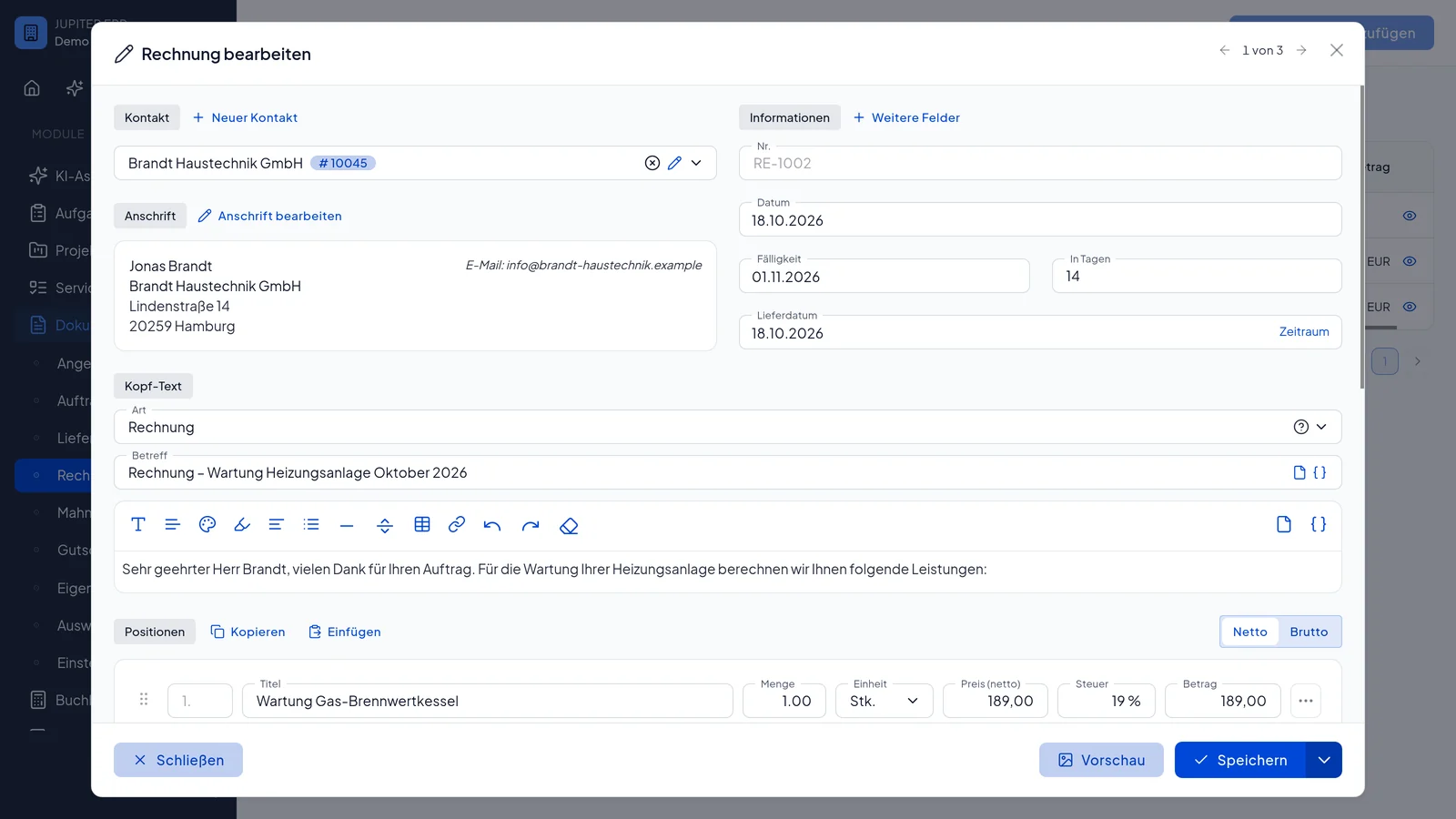
Rechnung bearbeiten im Jupiter Panel — Positionen und Belegdetails
Jupiter Panel

In depth

What the module means in practice — beyond the feature list, with concrete day-to-day value in the panel.

One document flow instead of hand-offs

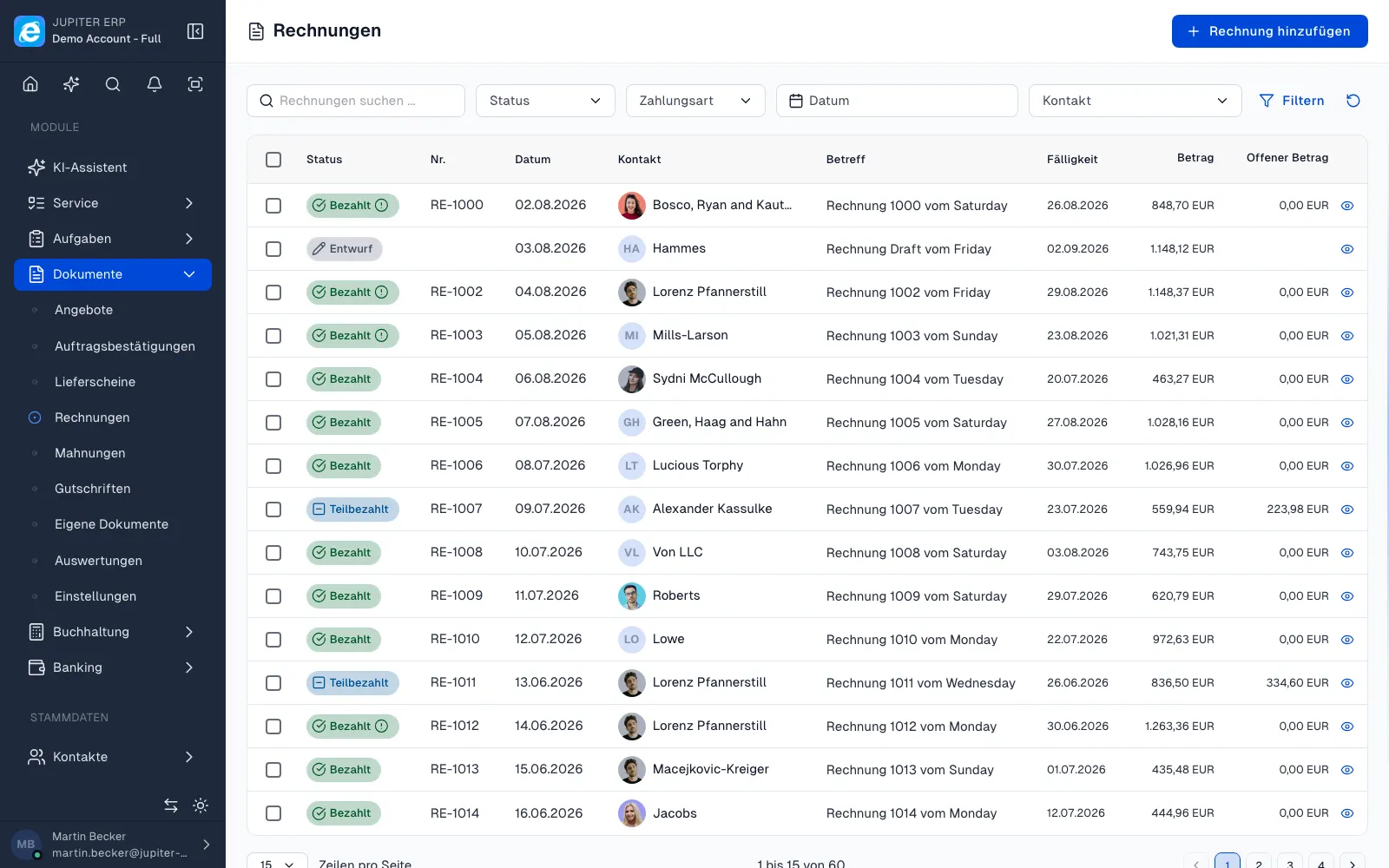
Many SMBs start with Word templates for quotes and switch to another tool for invoices and dunning — or maintain parallel Excel lists alongside accounting software. Jupiter bundles outgoing documents: quotes, order confirmations, delivery notes, invoices, dunning, and credit notes share the same contact and product data.

When a customer accepts, you derive the follow-on document — lines, discounts, and text carry over. Number ranges, tax codes, and layouts are configured per tenant so every PDF looks consistent and is stored in an audit-ready way.
Line items that save time day to day

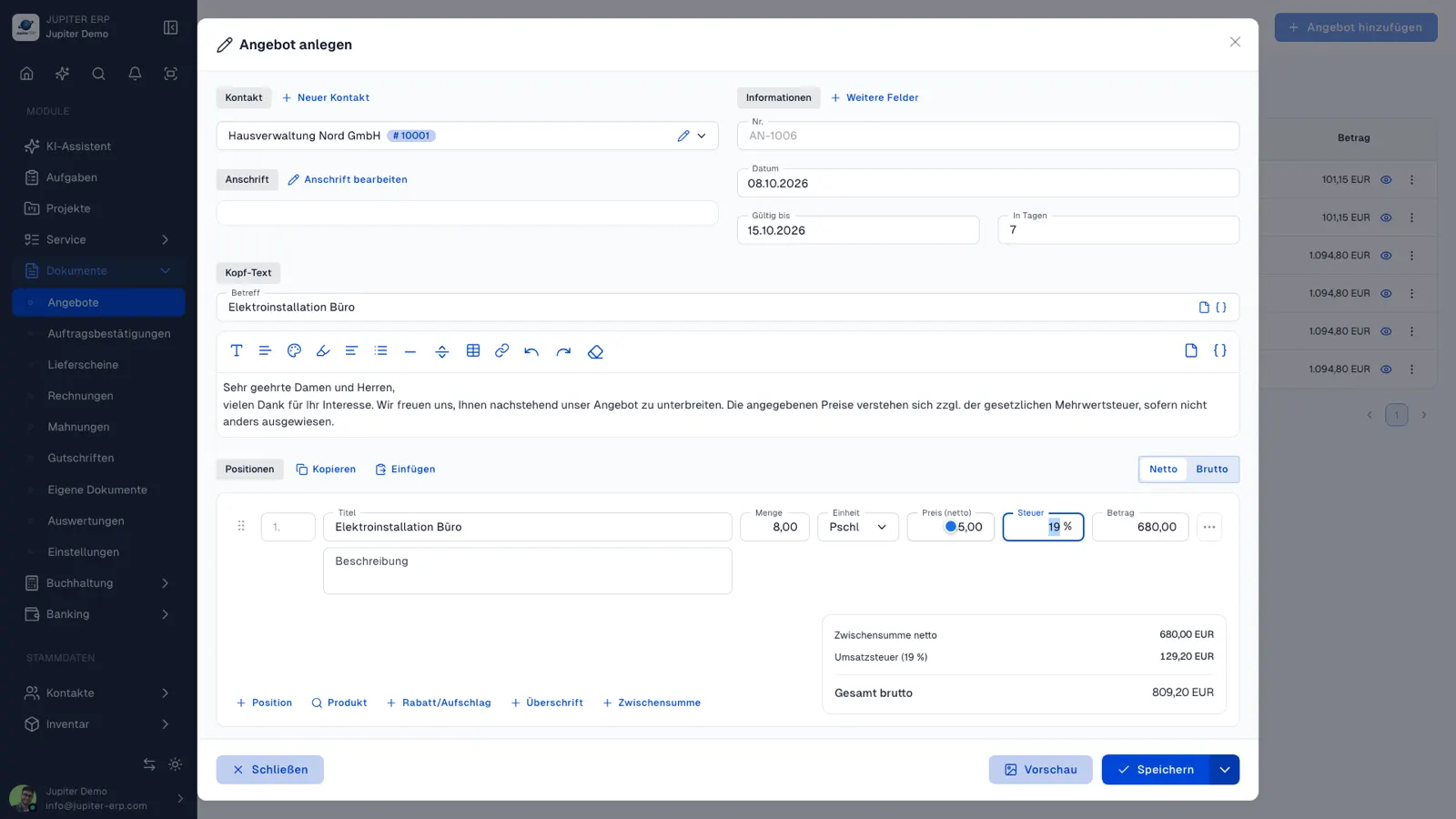
The document form is more than a table: add catalog items via product selection with quantities, and free-text lines when needed. Set discounts per line or as document-level discount and surcharge — on quotes you can mark lines as optional so alternatives stay visible without skewing the total.

Recurring services copy between documents: duplicate individual rows or paste all lines including discounts from the clipboard into a new document. Text templates with placeholders for customer and document number replace constant copy-paste from old Word files.

Sending, e-invoicing, and analytics

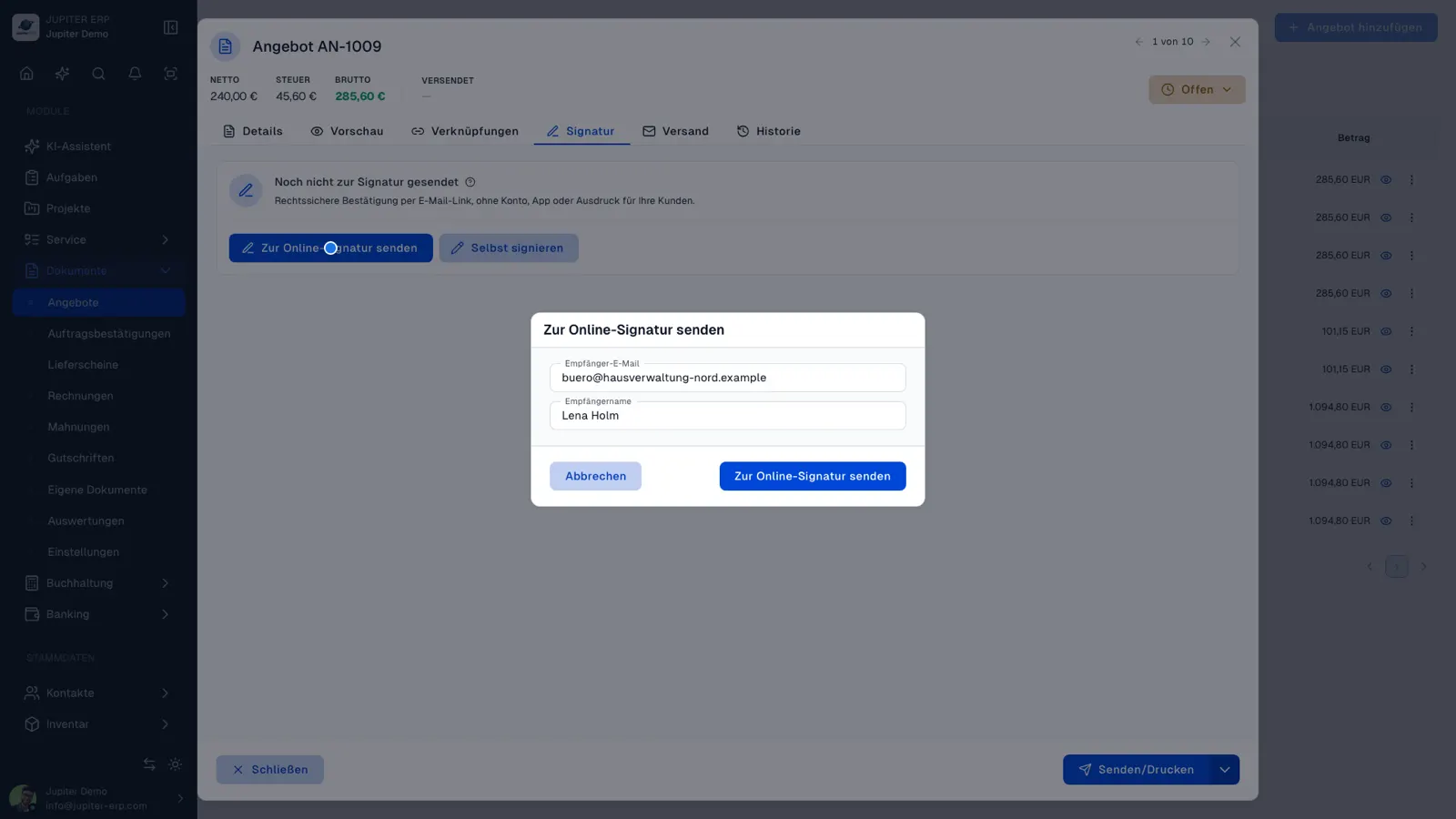
Send finished PDFs directly from the document — with template, attachment, and log entry. For B2B customers you can optionally enable ZUGFeRD 2.2 in the PDF; structured XML is built automatically from your master data.

Dashboards for revenue, open and overdue invoices read from your real documents — no export to a separate reporting tool. Accounting, management, sales, and back office see the same status.

Features in Documents

What you can do in this module — no fluff. Details for individual panel features are under Features.

  • Quotes & order confirmations

    Line items with quantities, discounts, and taxes — add products via search, mark optional lines, apply per-line or document-level discounts. Convert quotes via “Process document” into order confirmations, delivery notes, or invoices.

  • Line items & discounts

    Free-text and product lines, discount as percent or amount per line, document-level discount or surcharge, duplicate lines, and copy/paste positions between documents — including drag-and-drop sorting.

  • Process documents

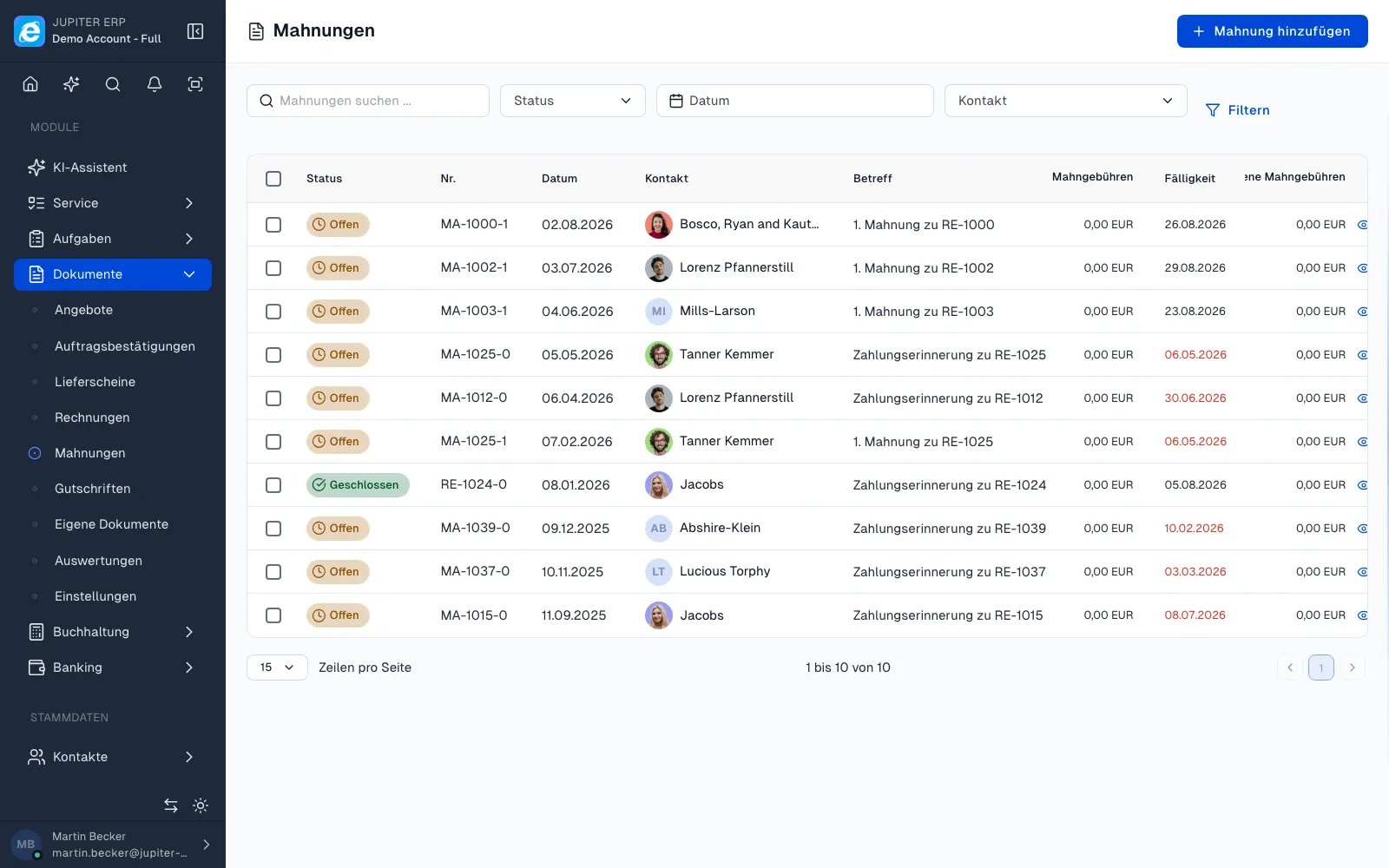
    Derive follow-up documents from quotes, orders, delivery notes, or invoices: contact, lines, discounts, and text carry over. Create dunning or credit notes from invoices, or the next stage from a quote — without double entry.

  • Text templates & placeholders

    Maintain recurring text for document header, footer, subject, and email centrally. Mustache placeholders for contact, document, and company data are replaced automatically when inserting or printing.

  • Product selection in documents

    Add catalog items via search dialog with quantities — price, tax rate, and unit come from the product master. Add free-text lines manually when needed.

  • Invoices & credit notes

    Sequential number ranges, due dates, payment status, and links to open items — credit notes stay tied to the source document.

  • Delivery notes & dunning

    Delivery notes for shipping, dunning levels for overdue invoices. Changes are traceable in the activity log.

  • Custom document types

    Additional document types via configuration: required fields, number ranges, and workflows for your process.

  • PDF, letterhead & layouts

    Print layouts and letterhead per tenant. PDF preview before send or download — consistent branding.

  • Send documents by email

    Send documents with templates and attachments. Recipients and sends are visible on the document and in the log.

  • E-invoicing (ZUGFeRD in PDF)

    Optional embedded ZUGFeRD 2.2 XML (EN 16931) in invoice and credit note PDFs — per document or as default. No separate XRechnung-only export workflow.

  • Analytics & KPIs

    Revenue by month, quarter, and year, open and overdue invoices, document status, and order values — a dashboard built on your real documents, no export to a reporting tool.

Typical use cases

How teams use Documents day to day.

Trades: quote → order → invoice in one continuous process
Service providers with project billing and partial invoices
Retail with delivery note and invoice chain
Jupiter ERP

Ready for Jupiter ERP?

Start for free — choose plan, term, and add-ons in the app afterwards. Custom adaptations or API integration? Get in touch.

Documents & invoicing · Jupiter ERP

