Jupiter ERP

Service

Team planner for service jobs

Coordinate jobs across the team.

Planning view for service appointments: move and assign orders and dates at a glance.

Note: Service module

Teamplaner für Service-Termine im Jupiter ERP Panel

At a glance

These are the points this feature covers day to day.

  • Drag & drop
  • Multiple technicians

In the product

The workflow in Jupiter ERP, on this page.

In depth

Background, typical workflows, and concrete panel capabilities, more detail than the summary above.

Coordinate jobs visually

The planning board shows service appointments and orders for multiple technicians. Move and assign via drag and drop. Utilization and open jobs are visible at a glance.

Ideal for trades, facility, and technical service where rescheduling is normal: changes land in the system immediately, not only on a whiteboard.
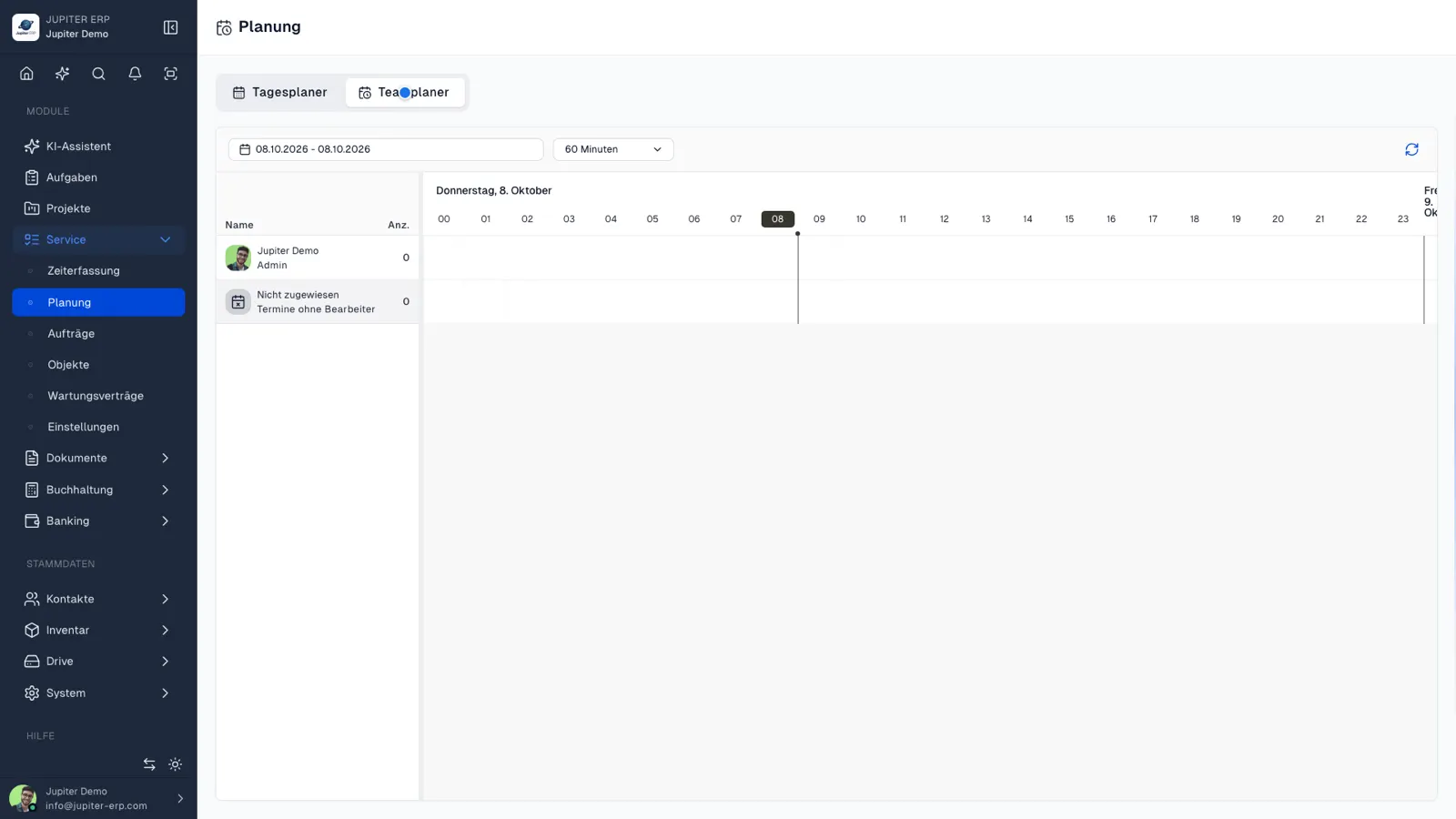

Teamplaner für Service-Termine im Jupiter ERP Panel

Connected to order and contact

Every appointment stays on the service order and customer record: reports and invoices reference the same job number. No calendar island without customer context.

What you do in the team planner

The board shows appointments and orders for several people. Moving an item assigns it. You do not keep a second list.

  • See jobs for several technicians in one view
  • Move and reassign appointments by drag and drop
  • Spot open jobs and utilisation
  • Every appointment stays on the service order and the contact
  • Open the same plan in My Day for one person
  • Have changes apply immediately for the report and the later invoice

Planning with a customer attached

A calendar without an order knows neither the asset nor the report. In the team planner the appointment is only the time view of the service order.

The team planner belongs to the Service module.

How it works in the panel

The main building blocks at a glance, complemented by the longer description above.

Planning board

Visually plan appointments within service orders.

Jupiter ERP

Your first invoice in minutes

Start for free: write invoices on the Free plan. Choose plan, term, and add-ons in the app afterwards. Custom adaptations or API integration? Get in touch.

  • 14-day trial
  • No credit card
  • Hosted in Germany
  • GDPR-compliant
Team planner for service jobs · Jupiter ERP
