Jupiter ERP

Service

Day planner (My day)

What’s on today: appointments and jobs per person at a glance.

The “My day” view shows a technician or dispatcher the jobs for the selected day: appointments, orders, and status in time buckets. It complements the team planner that distributes the whole team. Here the focus is the personal working day.

Note: Service module

Tagesplanung „Mein Tag“ im Jupiter ERP Panel

At a glance

These are the points this feature covers day to day.

  • Personal day view
  • Appointments in time buckets
  • Complements the team planner

In the product

The workflow in Jupiter ERP, on this page.

In depth

Background, typical workflows, and concrete panel capabilities, more detail than the summary above.

The working day instead of the whole board

The team planner distributes jobs across people. “My day” shows the same records for one person and one day: appointments in time buckets, status at a glance. Technicians and dispatchers see what’s on today without searching the full board.
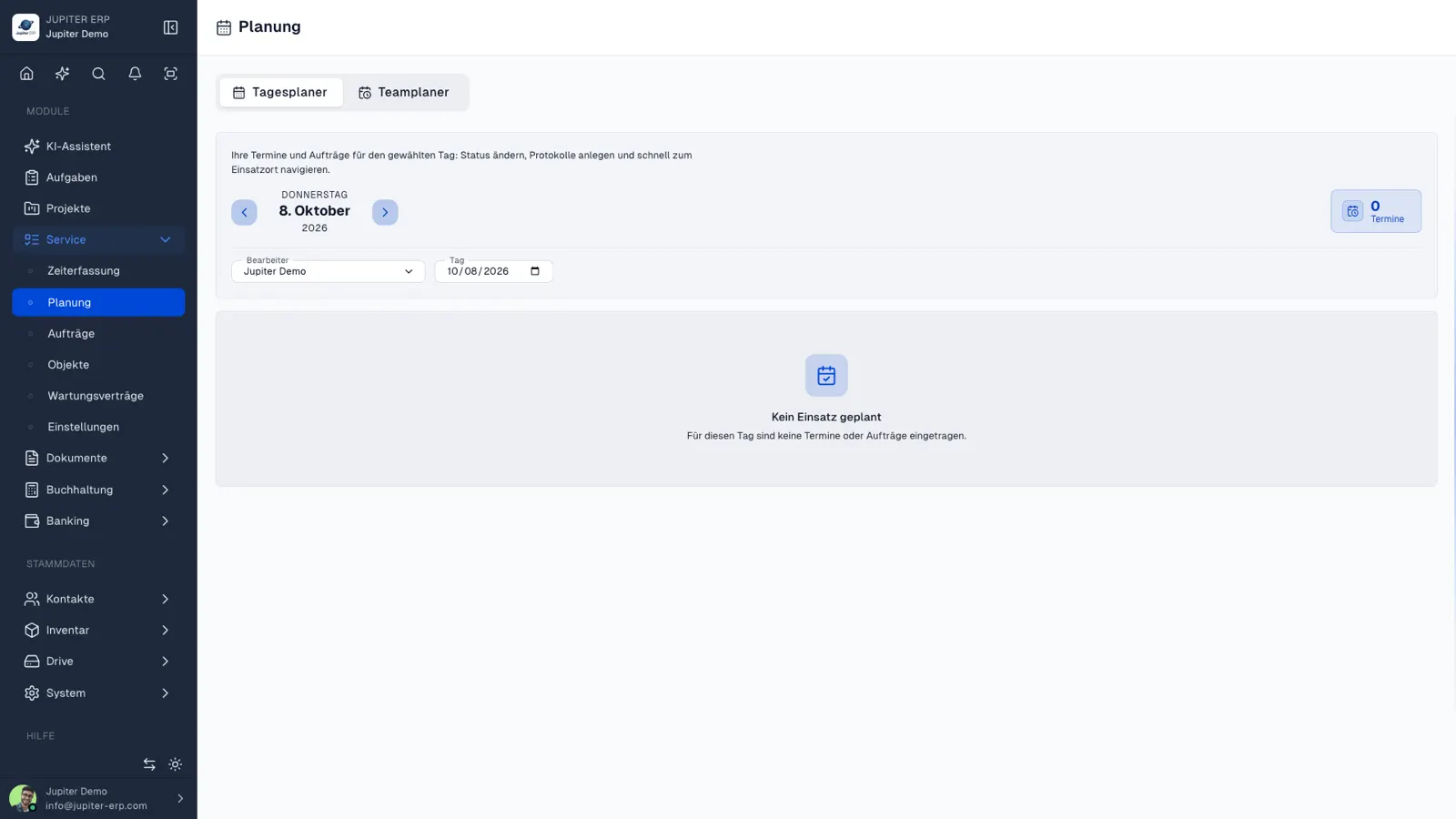

Tagesplanung „Mein Tag“ im Jupiter ERP Panel

The same data

Date and assignee use the same service appointments as the team planner. Changes to an order or appointment appear in both views. No parallel day list.

What My Day shows

My Day is the personal view of the same appointments as the team planner: one person, one date, jobs in time blocks.

  • Change the day and filter by the assigned person
  • Tell open, in-progress, and done jobs apart
  • Jump to the order without opening the team board
  • Use the same list on the road in the companion app
  • Control access through service permissions

Dispatcher and technician

The dispatcher distributes work in the team planner. The person on site opens My Day and works through the blocks. Both see the same appointments.

A move on the board is therefore the next entry in the day plan, without an extra day list.

How it works in the panel

The main building blocks at a glance, complemented by the longer description above.

My day

Upcoming appointments and orders for one person that day, without opening the full team board.

Date & assignee

Change the day and filter jobs for the assigned person: the same data as in the team planner.

Status during the day

Tell open, in-progress, and done jobs of the day apart: straight from service planning.

Common questions

Jupiter ERP

Your first invoice in minutes

Start for free: write invoices on the Free plan. Choose plan, term, and add-ons in the app afterwards. Custom adaptations or API integration? Get in touch.

  • 14-day trial
  • No credit card
  • Hosted in Germany
  • GDPR-compliant
Day planner (My day) · Jupiter ERP
