Jupiter ERP

Buchhaltung

Cost centers

Analyse receipts by department, project, or site.

Maintain cost centers centrally and assign them to expense receipts, line items, and reports. See which areas drive costs, without a parallel Excel analysis. Filters in P&L, BWA, and SuSa use the same master data.

Note: Enterprise & trial

Kostenstellen in den Buchhaltungseinstellungen im Jupiter ERP Panel

At a glance

These are the points this feature covers day to day.

  • Assignment on receipts
  • Filter in P&L, BWA & SuSa
  • Department, project, site

In the product

The workflow in Jupiter ERP, on this page.

In depth

Background, typical workflows, and concrete panel capabilities, more detail than the summary above.

Assign costs where they arise

Cost centers represent departments, projects, or sites. You create them in accounting settings and set them on expense receipts, including a suggestion during capture.

P&L, BWA, and SuSa filter by the same assignment. See which area drives costs without sorting receipts in Excel afterwards.
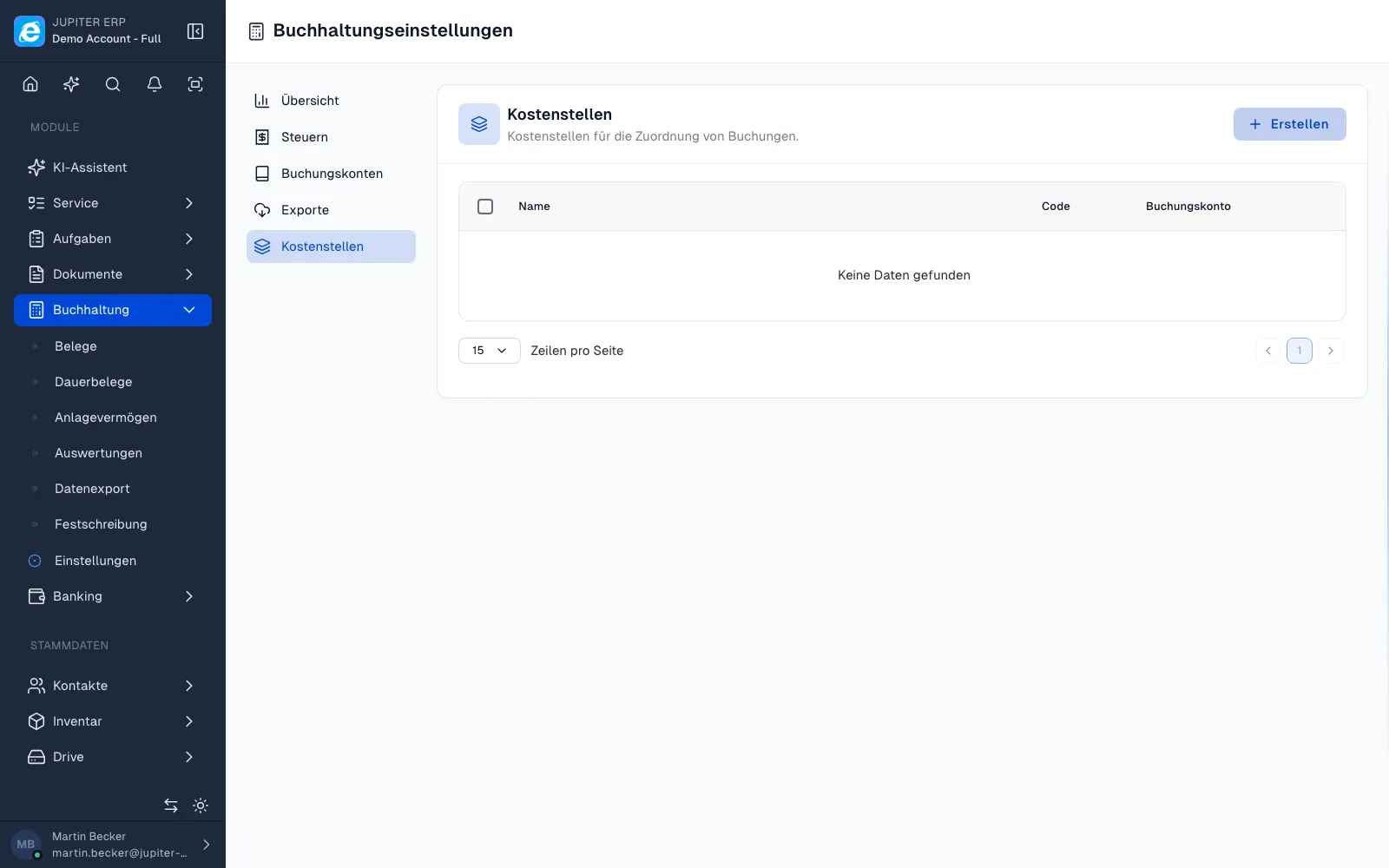

Kostenstellen in den Buchhaltungseinstellungen im Jupiter ERP Panel

What you do with cost centers

A cost center is a department, a project, or a site. You set it on the document. The reports filter by it.

  • Create cost centers in accounting settings
  • Assign one on the cost document or on the line
  • Accept or change the suggestion during capture
  • Put the same assignment on recurring-document templates
  • Filter P&L, BWA, and SuSa by cost center
  • Include the assignment in the DATEV export

Where they are included

Cost centers are available during the trial and on the Enterprise plan.

Without them you still post to accounts. With them you see which area causes the cost, without sorting the documents in a spreadsheet afterwards.

How it works in the panel

The main building blocks at a glance, complemented by the longer description above.

Cost-center master

Create cost centers in accounting settings and make them available on new receipts.

On receipts

Set a cost center on the expense receipt or line item, including a suggestion during capture.

In reports

Filter P&L, BWA, SuSa, and related reports by cost center, the same assignment as on the receipt.

Common questions

Jupiter ERP

Your first invoice in minutes

Start for free: write invoices on the Free plan. Choose plan, term, and add-ons in the app afterwards. Custom adaptations or API integration? Get in touch.

  • 14-day trial
  • No credit card
  • Hosted in Germany
  • GDPR-compliant
Cost centers · Jupiter ERP
