Jupiter ERP

Contacts

Customer portal

Self-service for your customers, without full access to your ERP.

Set up a dedicated portal login per contact. Customers see only the areas you enable (documents, service orders, reports, maintenance contracts, and objects) as PDF downloads, strictly tenant-separated.

Note: Trial: 1 portal · Basic: 1 · Business: 2 · Enterprise: 5. Extra portals as add-on

Kundenportale in den Kontakteinstellungen im Jupiter ERP Panel

At a glance

These are the points this feature covers day to day.

  • Dedicated login per contact
  • Enable documents & service areas
  • PDF download with permission checks
  • Included from Trial upward

In the product

The workflow in Jupiter ERP, on this page.

In depth

Background, typical workflows, and concrete panel capabilities, more detail than the summary above.

What the customer portal does

The customer portal is a separate, secured entry point for your end customers, not for your team in the Jupiter ERP panel. Each portal user signs in with email and password to your tenant’s account portal and sees only the areas you enabled for that login.

Typical use: customers fetch invoices and quotes, check service order status, or download reports from the last visit, without your back office emailing every PDF again.
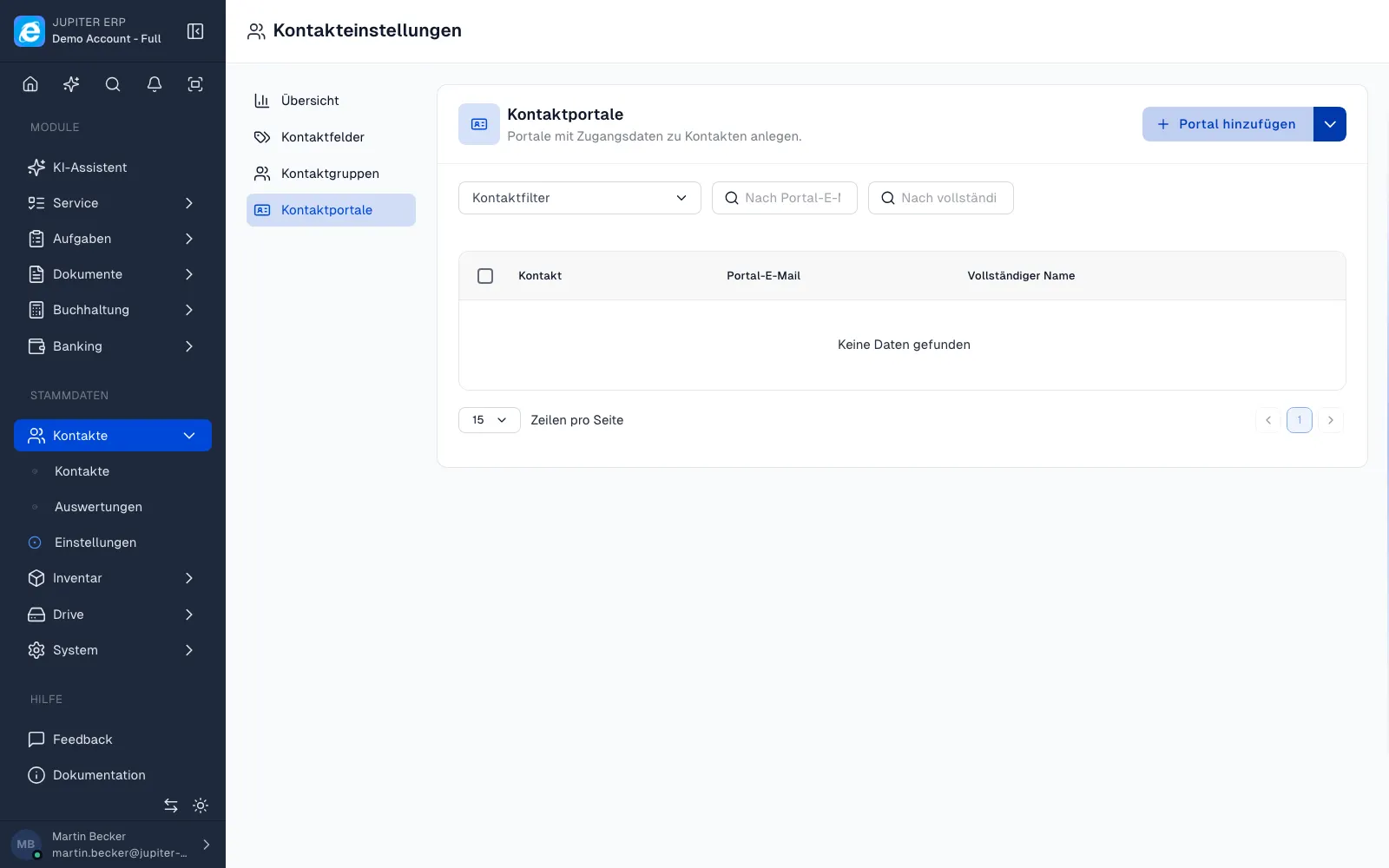

Kundenportale in den Kontakteinstellungen im Jupiter ERP Panel

Enable areas per portal

When creating or editing portal access you choose which modules are visible: invoices, quotes, order confirmations, delivery notes, maintenance contracts, service orders, appointments, service objects, and service reports.

Give an accounting contact invoices only, a service site the full service area. No separate software or custom development. Disabled areas do not appear in the portal at all.

Setup and daily use in the panel

Under Contacts → Settings → Portals you create logins, link a contact, and set password and display name. After release the customer receives credentials or the account portal link.

Service objects can carry a portal description visible to the customer: separate from internal notes. Reports and released documents appear automatically once the area is active and the record belongs to the portal contact.

Security and tenant isolation

Portal sessions are short-lived and bound to one login. Downloads use signed URLs with permission checks. No access to drive files or other contacts’ documents.

Jupiter ERP isolates tenants strictly: a portal user never sees another account’s data. Internal comments, drafts, and unreleased documents stay in the panel.

Plans, limits, and scaling

From Trial and Basic at least one portal login is included, Business two, Enterprise five. The Free plan does not include a customer portal. Upgrade or add-on required if customers should fetch documents themselves.

Need more logins than your plan includes? Book additional portals as an add-on. Blocked logins after a plan change can be reactivated when capacity is available again.

What your customers do in the portal

Customers fetch the documents you released. Your team does not resend every PDF by email.

  • Create one access per contact, with email, name, and password
  • Enable areas one by one: invoices, quotes, order confirmations, delivery notes
  • Switch maintenance contracts, service orders, appointments, service assets, and reports separately
  • Let them download PDFs through checked links
  • Maintain portal text on the service asset, separate from internal notes
  • Deactivate access when a project ends
  • Several portals depending on the plan, more as an add-on

What customers do not see

Drafts, internal comments, other contacts, and documents you did not release stay in the panel. A portal user never sees another tenant.

Trial and Basic include at least one portal, Business two, Enterprise five. Free includes none.

How it works in the panel

The main building blocks at a glance, complemented by the longer description above.

Portal per contact

Under Contacts → Settings → Portals you create access records linked to a contact. Email, name, and password: the customer signs in to your tenant’s account portal.

Enable areas individually

Per portal you toggle: invoices, quotes, order confirmations, delivery notes, maintenance contracts, service orders, appointments, service objects, and service reports. Only what that customer needs.

Secure downloads

PDFs and reports download through authenticated links. No access to internal notes, other contacts, or unreleased documents.

Service objects with portal text

Assets and objects can carry a customer-visible portal description: separate from internal notes. Ideal for maintenance info customers should look up themselves.

Multiple portals per tenant

Depending on your plan, run several portal logins in parallel, e.g. for different contacts or subsidiaries. Book additional portals as an add-on anytime.

Common questions

Jupiter ERP

Your first invoice in minutes

Start for free: write invoices on the Free plan. Choose plan, term, and add-ons in the app afterwards. Custom adaptations or API integration? Get in touch.

  • 14-day trial
  • No credit card
  • Hosted in Germany
  • GDPR-compliant
Customer portal · Jupiter ERP
