Jupiter ERP

Service

Service reports

Document and bill work on site.

Reports capture time, material, and outcome, linked to order and customer.

Note: Service module

Serviceprotokoll-Detailansicht im Jupiter ERP Panel

At a glance

These are the points this feature covers day to day.

  • Material usage
  • Attachments in Drive

In the product

The workflow in Jupiter ERP, on this page.

In depth

Background, typical workflows, and concrete panel capabilities, more detail than the summary above.

Document work on site

Reports capture text, material, photos, and signature: in the browser on tablet or laptop. Stored on the service order and contact, available in the customer portal when released.

Structured fields come from your service configuration: checklists, readings, or free text, tailored to maintenance, installation, or support.
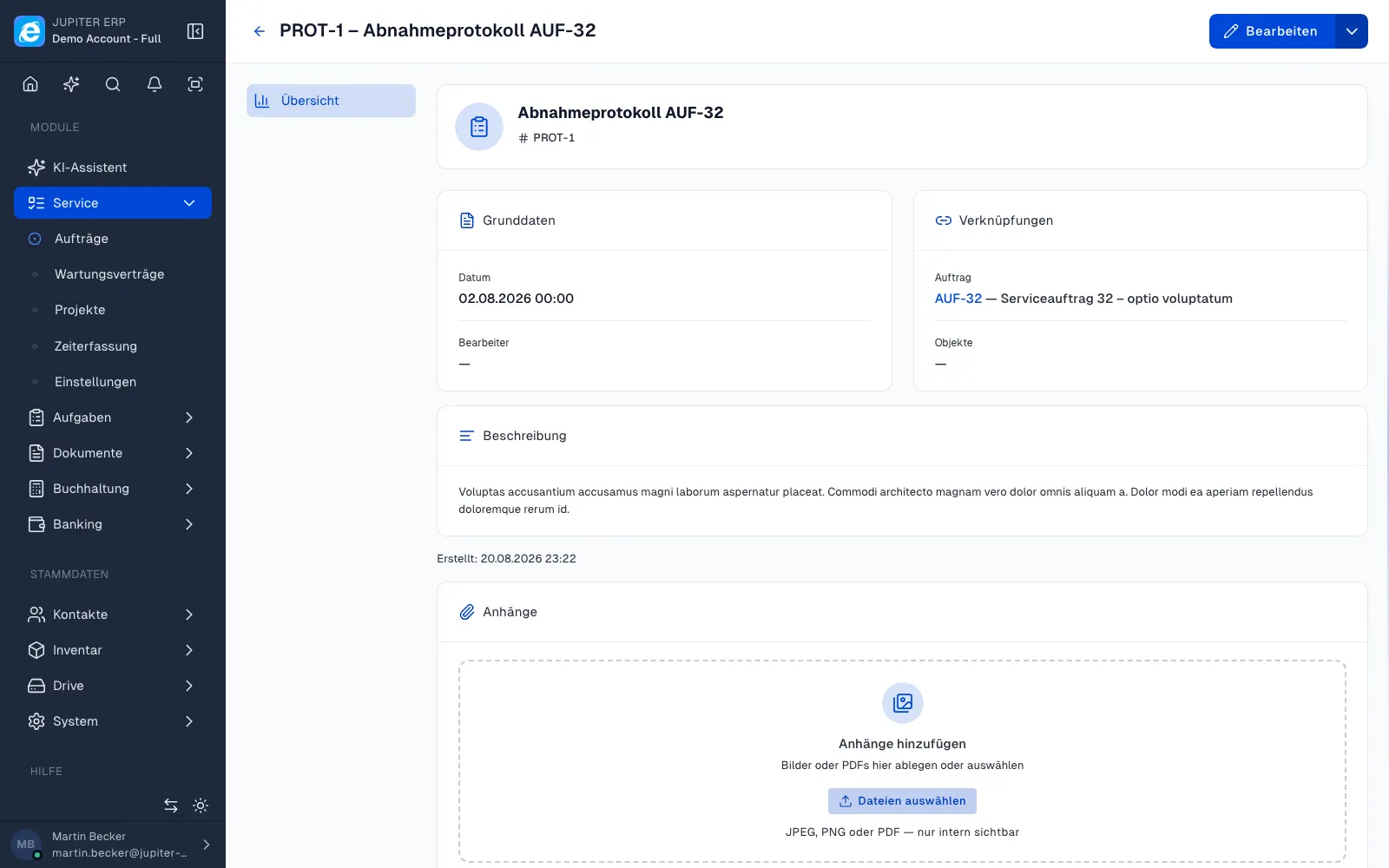

Serviceprotokoll-Detailansicht im Jupiter ERP Panel

Basis for billing

Material and services from the report flow into invoicing: line items do not need to be reconstructed from memory later. Attachments land in Drive in the right context.

What you record on the report

The report is the evidence of the visit. Fields come from your service configuration. Attachments stay in context, not in a private photo folder.

  • Fill in text, checklists, readings, or free text depending on the job type
  • Record material used, as the basis for the later invoice
  • Attach photos; storage runs through Drive on the order
  • Collect a signature on site, in the browser or in the companion app
  • Trace the report from the service order, contact, and service asset
  • Release it for customers in the portal; internal notes stay hidden

From the visit to billing

What was written down on site does not have to be reconstructed from memory on the invoice. Material and labour sit on the order.

Reports belong to the Service module and hang off the same order as the appointment and the invoice.

How it works in the panel

The main building blocks at a glance, complemented by the longer description above.

Report capture

Structured fields per service configuration.

Jupiter ERP

Your first invoice in minutes

Start for free: write invoices on the Free plan. Choose plan, term, and add-ons in the app afterwards. Custom adaptations or API integration? Get in touch.

  • 14-day trial
  • No credit card
  • Hosted in Germany
  • GDPR-compliant
Service reports · Jupiter ERP
