

Solutions
Invoicing software for tradespeople
From estimate to maintenance and invoice: documented on site too.
Quote, order, job, recurring maintenance, and invoice run as one flow, in the office and on site. No retyping line items, no lost paper notes, and you always see where each order stands.
No credit card · Plan and term in the app
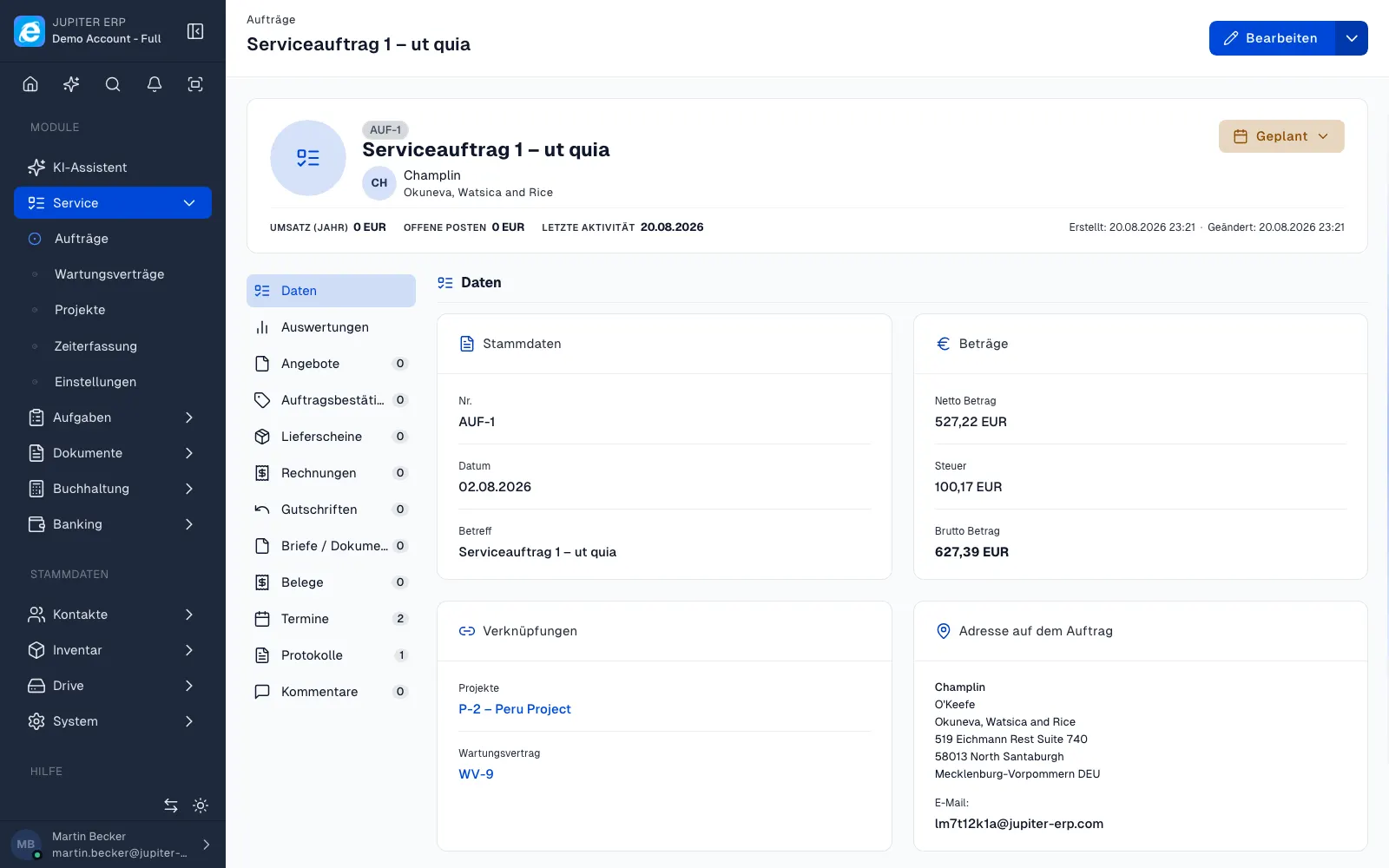
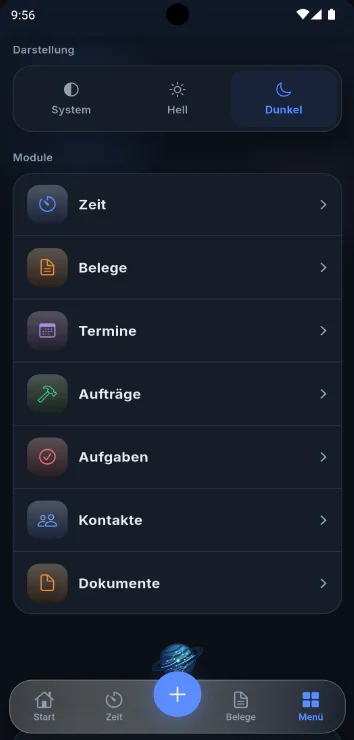
What slows you down today and how Jupiter ERP helps
Today: Quotes, delivery notes and invoices live in different files, and line items get typed twice.
With Jupiter ERP: Each document follows from the last: quote, order, delivery note and invoice share the same master data and number ranges.
Today: Site notes and recurring maintenance live on paper, in Excel, or a calendar, and reach the office late or not at all.
With Jupiter ERP: Service reports sit on the order. Maintenance contracts create due maintenance orders or invoices automatically before the customer calls.
Today: Whether an invoice is paid means checking online banking.
With Jupiter ERP: Import bank transactions and match payments to invoices. Open items show next to the document status.
Office and job site in one flow
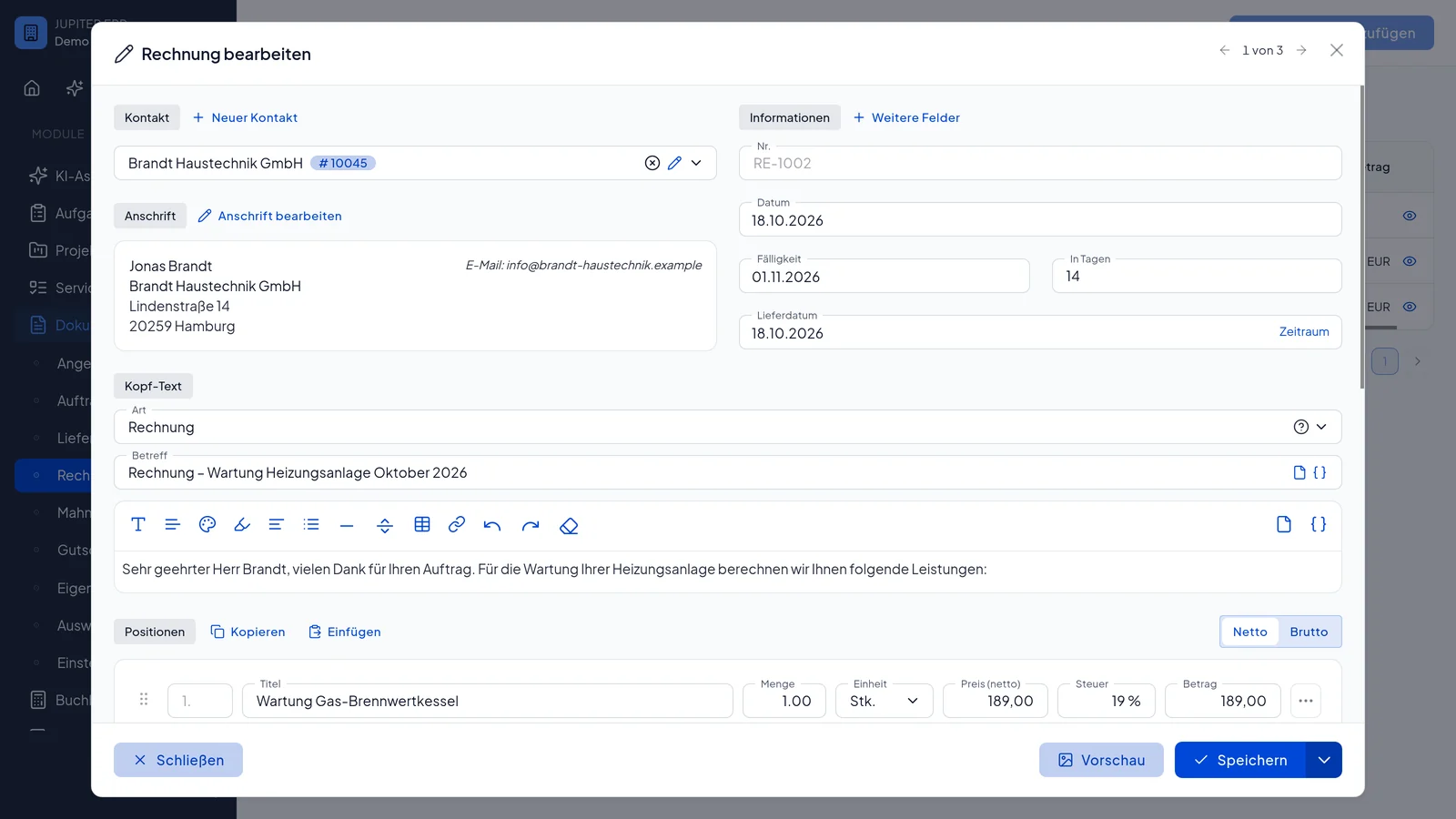
Quote to invoice
Quotes with line items and material. After the order, the delivery note and invoice use the same master data. Number ranges and taxes stay consistent.
Report on site
Technicians document jobs digitally, with signature, photos, and usage. Reports stay on the order and feed into billing.
Plan maintenance orders
Create recurring maintenance as a contract with an interval. Jupiter ERP creates due orders or invoices. Report and billing hang on the generated order.
Match payments
Import bank transactions and match payments to invoices. Open items and expected receipts sit next to the document status.
How an order runs
Write the quote
Line items and material come from the product master. PDF layouts use your letterhead. Quotes start at Basic.
Order and delivery note
The order confirmation and delivery note use the same master data. Both start at Business.
Job and invoice
Service jobs and reports start at Enterprise. Jupiter ERP writes the invoice from the same master data.
How jobs are planned and billed is in the service dispatch guide.
Digital field service planningWhich plan, and when
Every plan includes one user. Extra users are an add-on. List prices are for a one-month term, excluding VAT. The trial is 14 days of the full product, with no credit card.
Free
€0/ month
Invoices and templates, 5 documents per month.
Basic
€20/ month
Plus quotes, credit notes, and bank matching.
Business
€40/ month
Plus order confirmation, delivery note, and DATEV export.
Enterprise
€80/ month
Plus service jobs, reports, and dunning.
Benefits
- Less Excel and paper chaos
- One document chain from the same master data
- Maintenance orders from contracts automatically
- Team planner for jobs
Guides
Digital field service planning
Digital field planning connects appointments, on-site reports, and billing in one system. Jupiter ERP keeps orders, technicians, service objects, and invoices on the same record so the office does not retype what the field already captured.
Learn moreDigital invoicing
Digital invoices save time when master data, number ranges, taxes, and archiving are right from the start. One workflow from quote to payment tracking reduces re-keying between Word, spreadsheets, and accounting. This page is practical orientation for SMBs, not advice on your tax case.
Learn morePayment matching without a direct bank connection
You do not need a live bank API to match payments cleanly. Export statements from online banking as CSV, CAMT XML, or MT940, import them into Jupiter ERP, and review automatic matching suggestions for invoices, credit notes, and partial payments.
Learn moreMore projects and a customer portal than jobs on site? The service-provider page is the better fit.
Projects, time, invoices for service firmsTrust and e-invoicing
Jupiter ERP creates e-invoices in ZUGFeRD format as PDF. Your data is hosted in Germany with strict tenant isolation.
Common questions
From estimate to maintenance and invoice: documented on site too.

Your first invoice in minutes
Start for free: write invoices on the Free plan. Choose plan, term, and add-ons in the app afterwards. Custom adaptations or API integration? Get in touch.
- 14-day trial
- No credit card
- Hosted in Germany
- GDPR-compliant
