

Solutions
ERP for freelancers & solopreneurs
Write invoices, capture receipts, prepare your tax data, without paper chaos.
Invoices in minutes, receipts captured by AI, cash-basis statement (EÜR) and DATEV export ready for your tax advisor. Your time stays with your projects, in the browser and on the go.
No credit card · Plan and term in the app
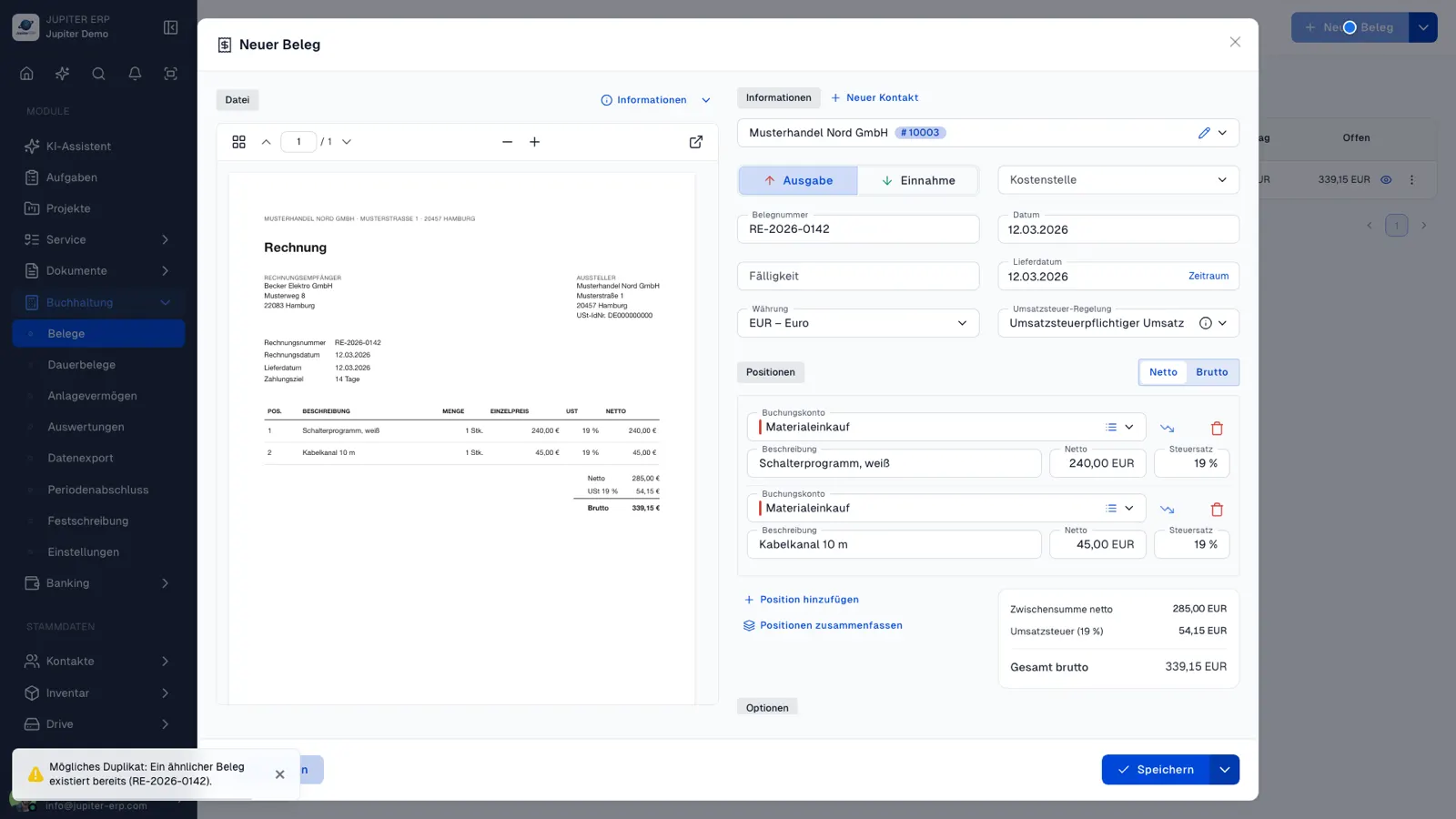
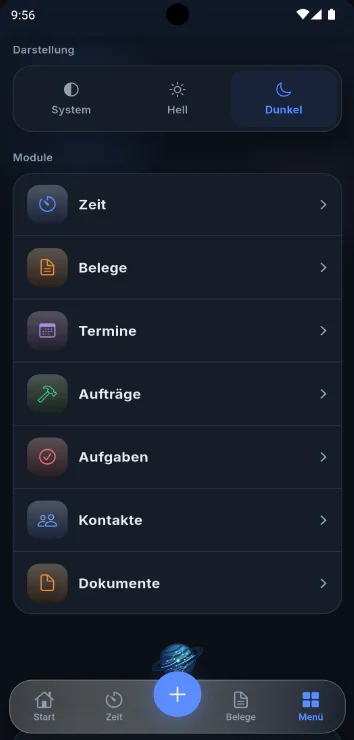
What slows you down today and how Jupiter ERP helps
Today: Writing invoices takes time that projects need.
With Jupiter ERP: Quotes and invoices with mandatory details, your letterhead and email delivery, optionally as an e-invoice.
Today: Receipts pile up in the inbox and the drawer.
With Jupiter ERP: Upload receipts: Jupiter ERP reads structured e-invoices, and for scans the AI suggests contact, account and line items.
Today: Tax season starts with a big sorting session.
With Jupiter ERP: Cash-basis accounting (EÜR) and DATEV export from Business, as ZIP or by email to your firm.
Invoice, receipt, and profit statement without a second tool
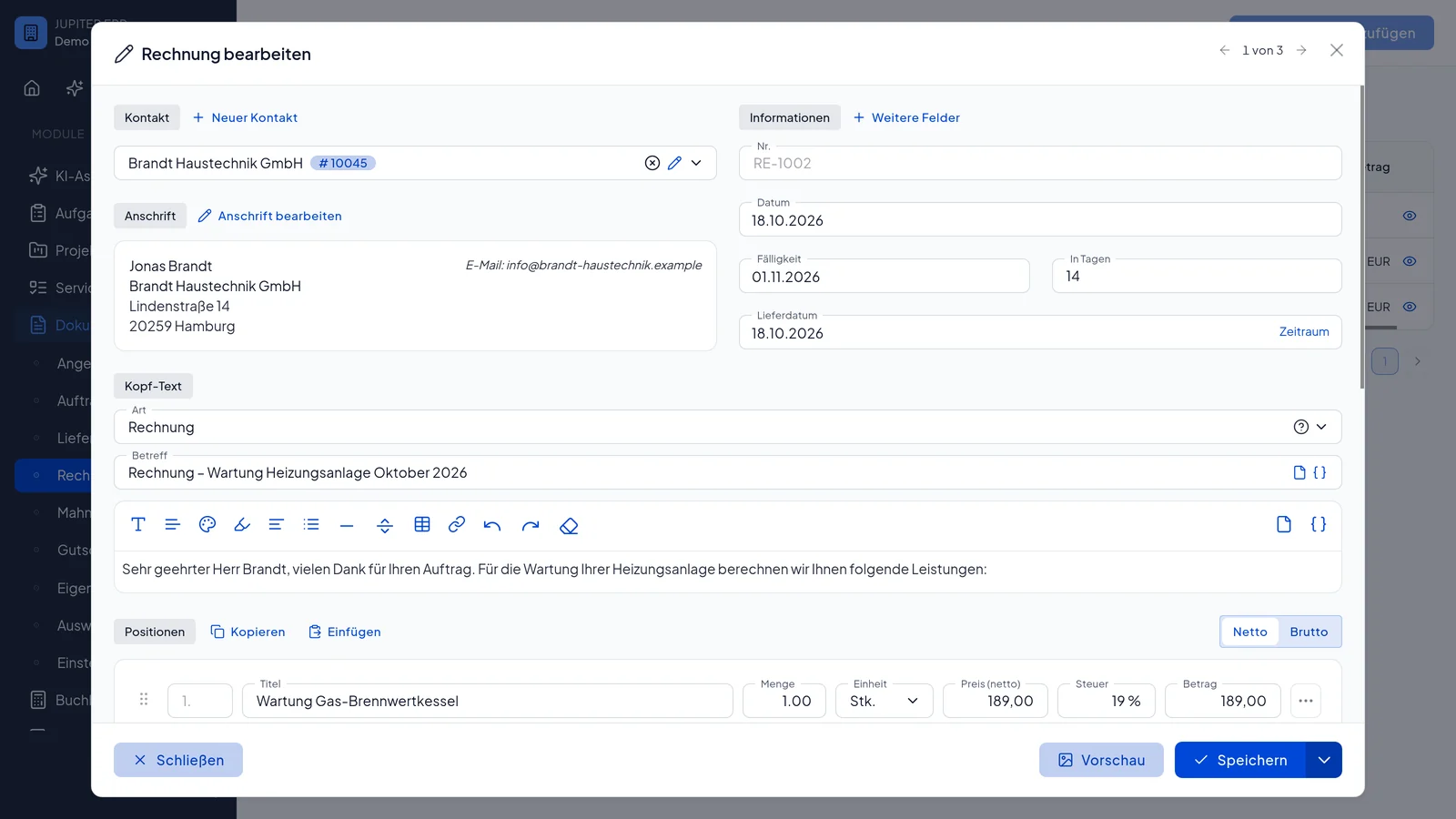
Quote and invoice
Required details, number range, and a PDF in your letterhead. Send by email, optionally as an e-invoice (ZUGFeRD) in the PDF. Quotes start at Basic.
Receipts with AI
Upload incoming receipts. Jupiter ERP reads structured e-invoices. For scans, AI fills contact, account, and lines. You review and confirm.
Profit statement and tax advisor
The cash-basis statement and DATEV export start at Business. You hand over the package or send it by email. Dunning starts at Enterprise.
How admin stays small
Write the invoice
Contact, line, and PDF. The e-invoice embeds ZUGFeRD 2.x (EN 16931 profile) in the PDF.
Review the receipt
AI suggests contact, account, and lines. The AI module starts at Basic. Expense receipts in accounting start at Business.
Hand it to the firm
The profit statement and DATEV export start at Business, as a ZIP or by email. Cost centers start at Enterprise.
The guide explains the difference between the cash-basis statement and the accrual statement. Whether that fit is yours is a question for your tax advisor.
EÜR vs. GuV: cash-basis vs. accrual profitWhich plan, and when
Every plan includes one user. Extra users are an add-on. List prices are for a one-month term, excluding VAT. The trial is 14 days of the full product, with no credit card.
Free
€0/ month
Invoices and templates, 5 documents per month.
Basic
€20/ month
Plus quotes, credit notes, and the AI module.
Business
€40/ month
Plus cash-basis statement, DATEV export, and expense receipts.
Enterprise
€80/ month
Plus dunning, cost centers, and recurring receipts.
Benefits
- In the browser, on the go too
- Profit statement and DATEV from Business
- Dunning from Enterprise
Guides
Write your first invoice, step by step
The first invoice needs company details, a customer contact, and a number range. This page lists the statutory minimum, the steps in Jupiter ERP, Free and trial limits, and how ZUGFeRD sits in the PDF. It is orientation, not advice on your case.
Learn moreEÜR vs. GuV: cash-basis vs. accrual profit
In German bookkeeping, EÜR is the cash-basis profit statement and GuV is the accrual profit-and-loss statement. They assign income and expenses by different dates. Which one binds you depends on legal form and bookkeeping duty; Jupiter ERP can produce both from the same documents.
Learn moreDATEV export and working with your tax advisor
DATEV is the software and data-exchange ecosystem most German tax practices use. Structured exports and clear periods cut month-end rework for you and your advisor. In Jupiter ERP, DATEV export is available from the Business plan. This page explains the workflow; it is not tax advice.
Learn moreSmall-business scheme (§19 UStG) in bookkeeping
Under Germany’s small-business VAT scheme (Kleinunternehmer, §19 UStG) you generally charge no VAT and may not deduct input VAT. Expenses and reports are treated gross. Jupiter ERP applies the taxation type to invoices, EÜR views, and depreciation once you set it in accounting settings.
Learn moreJust founded and writing your first invoice? There is a page for that.
Invoicing software for foundersRelated modules
Documents
From quote to dunning: one continuous document flow.
Learn moreBuchhaltung
Recognize receipts with AI and prepare them for posting. Export for tax advisors and DATEV.
Learn moreAI assistant
Your own AI assistant that knows your business, plus AI receipt recognition, built into the panel.
Learn moreTrust and e-invoicing
Jupiter ERP creates e-invoices in ZUGFeRD format as PDF. Your data is hosted in Germany with strict tenant isolation.
Common questions
Write invoices, capture receipts, prepare your tax data, without paper chaos.

Your first invoice in minutes
Start for free: write invoices on the Free plan. Choose plan, term, and add-ons in the app afterwards. Custom adaptations or API integration? Get in touch.
- 14-day trial
- No credit card
- Hosted in Germany
- GDPR-compliant
