Jupiter ERP

Inventory

Warehouses & locations

Reflect stock where it physically sits.

Coming soon

Warehouses and locations in the inventory module: basis for stock with service and retail.

Note: Inventory module

This capability is still in development in the panel. The described scope will roll out step by step.

Produktstamm im Jupiter ERP Panel

At a glance

These are the points this feature covers day to day.

  • Multi-location
  • Inventory module

In the product

The workflow in Jupiter ERP, on this page.

In depth

Background, typical workflows, and concrete panel capabilities, more detail than the summary above.

Reflect stock where it sits

Multiple warehouse locations for branches, warehouses, or vehicle stock: balances per location separately. Inbound and outbound movements are documented traceably for purchasing and service.

Foundation for stocktake and material planning; the product master stays the same as in documents.
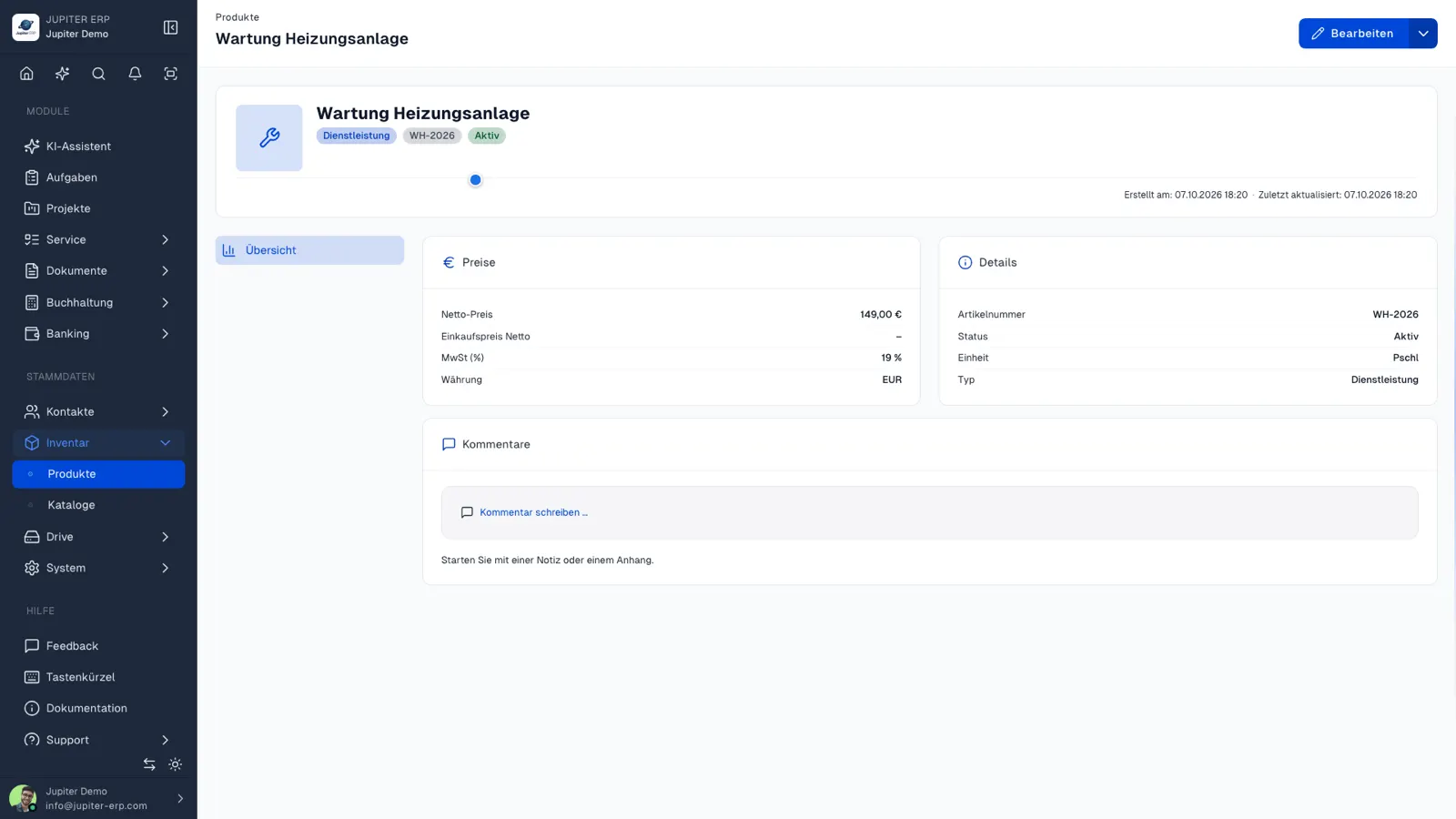

Produktstamm im Jupiter ERP Panel

Inventory module

Warehouse locations are part of the inventory module, extendable with merchandise management when your process goes beyond a pure product catalog. Integration in documents: line items with correct prices from the catalog.

What warehouse locations are for

Locations describe where stock physically sits: branch, hall, or vehicle. The product catalog stays the same one used on documents.

Locations describe where stock sits. You create several locations, keep quantities separate, and record inbound and outbound movements against the same products used on documents.

  • Create several locations for branches, warehouses, and mobile stock
  • Keep quantities separate per location
  • Record inbound and outbound movements so they can be traced
  • Use the same products as on quotes and invoices
  • Build stocktaking and material planning on this structure once that scope is in the panel

The product catalog already

You maintain prices, taxes, and units in the product catalog today and take them onto documents. Locations add the place. They do not replace the catalog.

While the view is still being built, the honest status is the badge on this page.

How it works in the panel

The main building blocks at a glance, complemented by the longer description above.

Warehouse locations

Manage sites and warehouses in inventory settings.

Jupiter ERP

Your first invoice in minutes

Start for free: write invoices on the Free plan. Choose plan, term, and add-ons in the app afterwards. Custom adaptations or API integration? Get in touch.

  • 14-day trial
  • No credit card
  • Hosted in Germany
  • GDPR-compliant
Warehouses & locations · Jupiter ERP
