Jupiter ERP

Inventory

Inventory & warehouse

Items, warehouses, and stock, usable directly in documents and service.

The product catalog feeds quotes, invoices, and service reports. Warehouses and movements keep stock traceable, without a parallel item list in Excel.

Produktstamm im Jupiter ERP Panel

At a glance

These are the points this module covers day to day.

  • One item master for all document types
  • Multiple warehouse locations
  • Material on service reports too

In the product

The workflow in Jupiter ERP, on this page.

In depth

What the module means in practice, beyond the feature list, with concrete day-to-day value in the panel.

One item master for sales and service

Maintain products with SKU, description, net price, tax, and unit once in the catalog. In documents, open product selection, search items, and add them with quantity: price and tax come along automatically.

The same items power service reports for material use and, where enabled, warehouse locations for stock. That avoids parallel Excel lists for sales and warehouse.
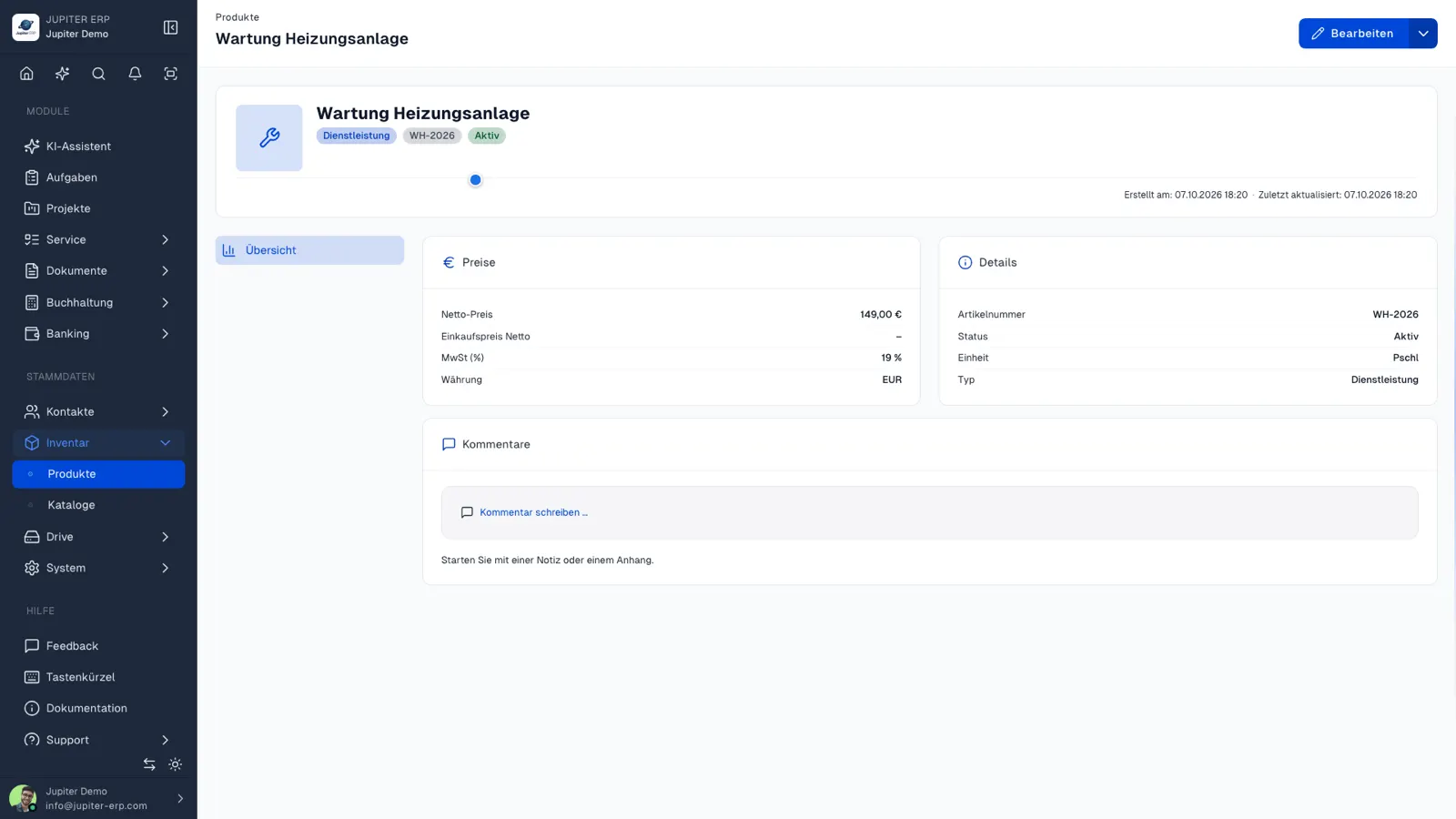

Produktstamm im Jupiter ERP Panel

Multi-location and stock flow

Multiple warehouses reflect branches or halls; stock per site stays separately traceable. Document receipts and issues for purchasing and service: basis for orders and field planning.

Merchandise extensions (purchasing, orders across sites) build on the same master: modular growth as your process matures.

What the product catalog does today

You maintain prices, taxes, and units in the catalog. Documents and service reports take them over instead of retyping them. Historical PDFs stay unchanged when you adjust a price later.

  • Create products with SKU, description, net price, tax rate, and UN/CEFACT unit
  • Search in the document form, set the quantity, and add several products at once
  • Use the same products on service reports for material used
  • Add free-text lines when something is not in the catalog
  • Create new documents with the current price

Warehouses, stock, and merchandise management

Warehouse locations, stock management, and merchandise management build on the product catalog: several sites, separate quantities, and purchasing across locations.

The usable core remains the catalog on documents and reports, extended with locations and movements once they are enabled in your plan.

Features in Inventory

What you can do in this module, no fluff. Details for individual panel features are under Features.

  • Product catalog

    Items with description, prices, taxes, and units. Maintain once, pick in documents via search.

  • Warehouses & locations

    Coming soon

    Multiple warehouses for branches or depots: stock shown separately per location.

  • Stock management

    Coming soon

    Document receipts and issues so purchasing and service see current quantities.

  • Integration in documents

    Line items from the catalog with correct prices and taxes: fewer typos on repeat articles.

  • Merchandise management

    Coming soon

    Purchasing, orders, and goods flow across locations: beyond today's catalog and stock management.

Typical use cases

How teams use Inventory day to day.

Stock on hand

Item, price, and stock live on one master record. Receipts and issues change the quantity at the bin, not in a side list.

Material on the job

What the technician uses comes from the item master into the report and later into the invoice. Price and unit do not have to be typed again.

Several sites

Warehouses and bins split stock by branch. A document posts from the right warehouse, and the other site stays untouched.

Jupiter ERP

Your first invoice in minutes

Start for free: write invoices on the Free plan. Choose plan, term, and add-ons in the app afterwards. Custom adaptations or API integration? Get in touch.

  • 14-day trial
  • No credit card
  • Hosted in Germany
  • GDPR-compliant
Inventory & warehouse · Jupiter ERP
