Jupiter ERP

Drive & files

Store files per tenant and link them to context.

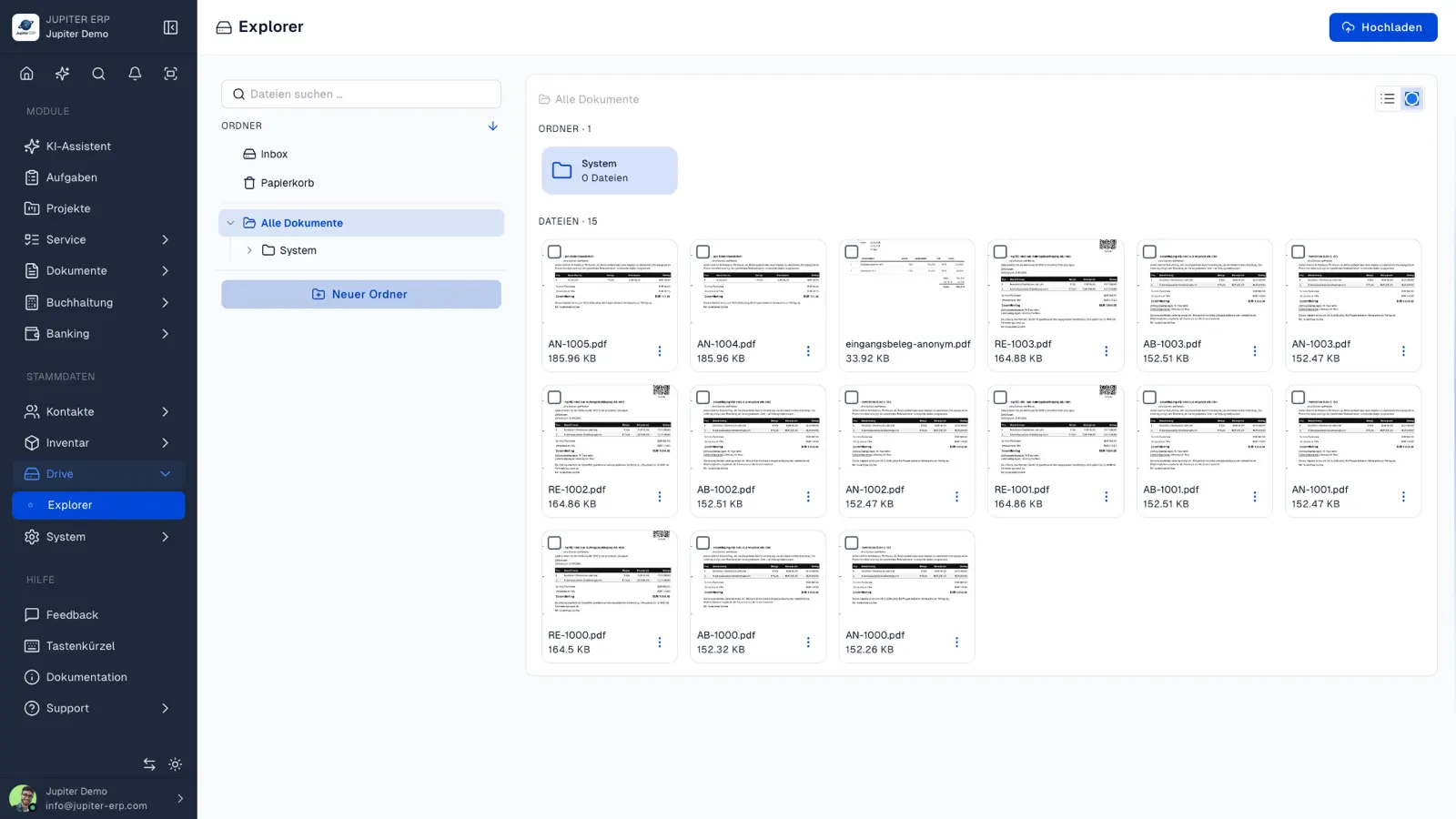
Contracts, photos, and attachments live in tenant storage — linked to contacts, projects, or service. Downloads use authenticated links, including for the customer portal.

  • Storage separated per tenant
  • Connected to portal and service
  • Context instead of loose file folders
Drive-Dateiablage im Jupiter Panel
Jupiter Panel

In depth

What the module means in practice — beyond the feature list, with concrete day-to-day value in the panel.

Files with context instead of folder chaos

Contracts, photos, and attachments land in tenant-specific storage — linked to contacts, projects, or service orders. When searching later, context remains; loose desktop folders disappear.

Each account has an isolated file area. Downloads run through authenticated links — also for customer portal users with permission checks.
Linked to service and portal

Service reports attach photos and documents directly to the job. The customer portal serves shared files for download — without manually sending every attachment.

Drive is not a replacement for audit-ready document archiving in the documents module, but the complement for everything that is not a formal document: contracts, project files, technician photos.

Features in Drive

What you can do in this module — no fluff. Details for individual panel features are under Features.

  • Tenant-isolated storage

    Each account has its own file area. No mixing between tenants at platform level.

  • Contextual links

    Attach files to contacts, orders, or projects — context remains when searching later.

  • Secure downloads

    Downloads for portal users and internal teams via controlled links with permission checks.

Typical use cases

How teams use Drive day to day.

Contract and project documentation
Service with photo attachments in reports
Compliance-oriented central storage
Jupiter ERP

Ready for Jupiter ERP?

Start for free — choose plan, term, and add-ons in the app afterwards. Custom adaptations or API integration? Get in touch.

Drive & files · Jupiter ERP

